Connectivity
Starlink Mini
Manufacturer-sourced range- Typical range
- 25–40 W
- Starting value
- 40 W
- Brief peak
- 60 W
Check and edit these values once you have a nameplate or measurement.
Choose the networking equipment that must stay powered. Estimate battery capacity from watts and hours, then check the connections and the provider’s network too.
Choose an example and adjust watts and hours. The battery target updates as you enter your load.
Exact models show their source. If the model is not indexed yet, use an editable category estimate instead.
8 of 27 results shown · search or filter to narrow the list
Check and edit these values once you have a nameplate or measurement.
Check and edit these values once you have a nameplate or measurement.
Check and edit these values once you have a nameplate or measurement.
Check and edit these values once you have a nameplate or measurement.
Check and edit these values once you have a nameplate or measurement.
Check and edit these values once you have a nameplate or measurement.
Check and edit these values once you have a nameplate or measurement.
Check and edit these values once you have a nameplate or measurement.
Selecting a device replaces the wattage. Add the remaining network devices to the total yourself.
Calculated against documented EcoFlow South Africa models. Sufficient capacity does not prove connection compatibility or uninterrupted operation during load-shedding.
These models have documented regional specifications. A capacity calculation does not prove uninterrupted operation or connection compatibility. A dedicated router UPS may be more practical for a small load.
South African model checks remain open. Use the calculated energy target, then verify DC voltage, polarity, connector and switchover behaviour on the exact equipment. For current load-shedding information see Eskom load shedding. Compare EcoFlow South Africa records →
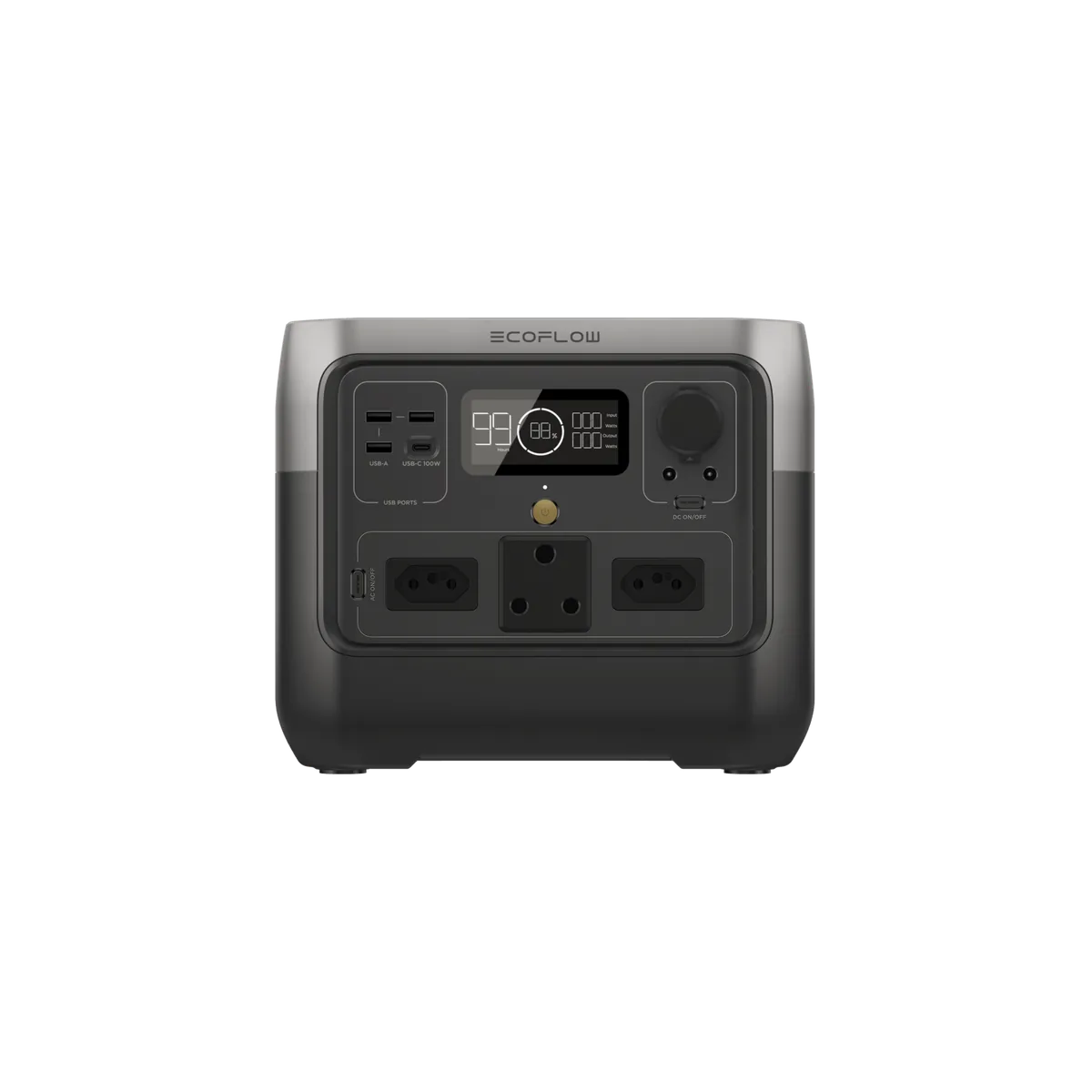
Energy and continuous-power comparison from EcoFlow South Africa product pages. Stock, price, warranty, delivered SKU and socket compatibility are separate checks. Official EcoFlow South Africa gallery model illustration. Where sockets are visible, the artwork shows South African three-round-pin (Type M-style) and two-pin sockets. Gallery images do not prove the sockets, lead or hardware revision of a delivered unit. The 1600 W surge and X-Boost figures have no duration, so startup suitability is unconfirmed. The same page also lists a European Plug variant (unavailable on 5 October 2026); order the South African Plug variant. The AC outlet count is not given in the table.EcoFlow South Africa — model illustration ↗
About 7,2 hours beyond your target in this estimate.
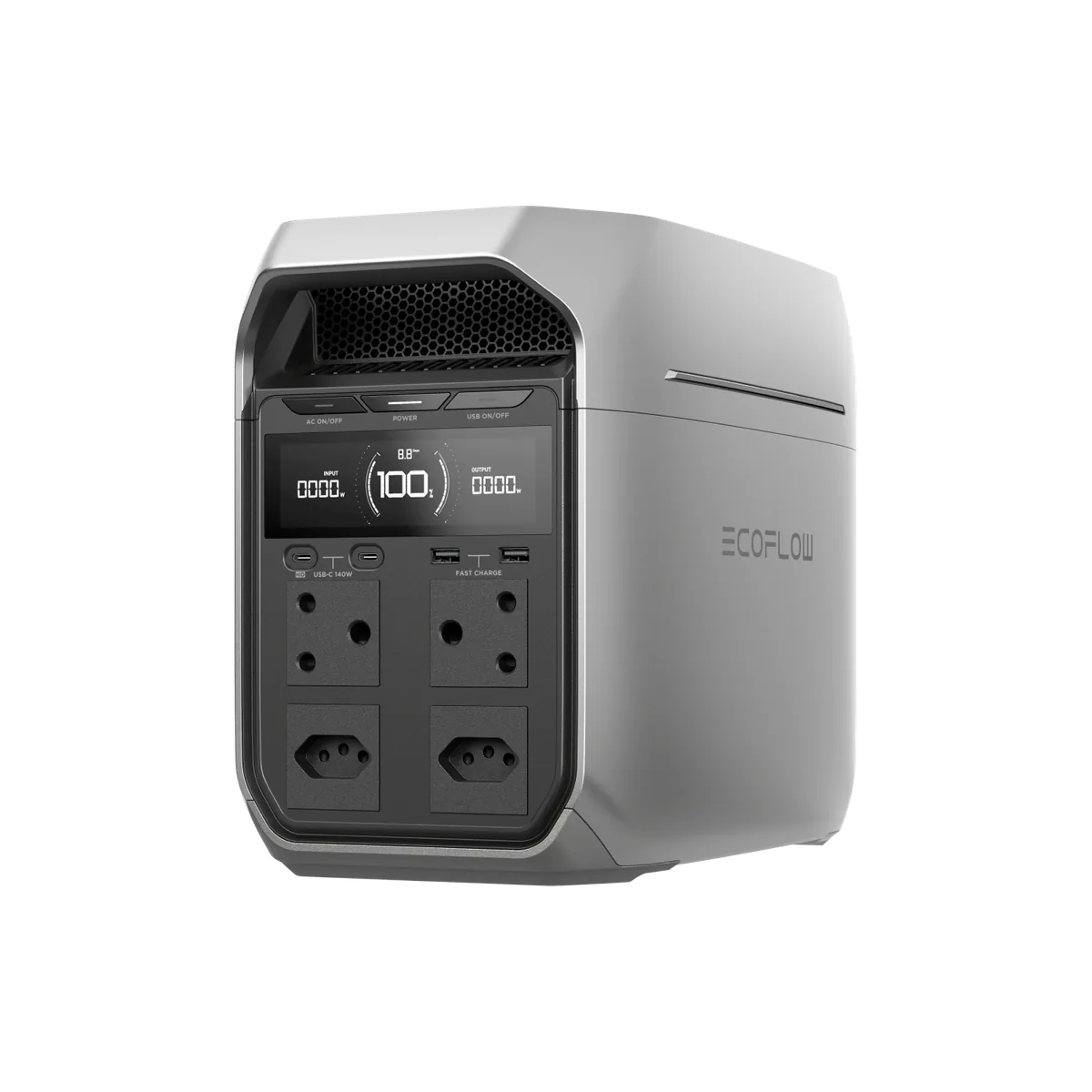
Energy and continuous-power comparison from EcoFlow South Africa product pages. Stock, price, warranty, delivered SKU and socket compatibility are separate checks. Official EcoFlow South Africa gallery model illustration. Where sockets are visible, the artwork shows South African three-round-pin (Type M-style) and two-pin sockets. Gallery images do not prove the sockets, lead or hardware revision of a delivered unit. 2400 W X-Boost and 3600 W surge are not continuous output, and no surge duration is given. The table writes the AC rating as “4 × 1800W”; it is read here as 1800 W total, matching the page headline. AC voltage and frequency are not stated.EcoFlow South Africa — model illustration ↗
About 13,6 hours beyond your target in this estimate.
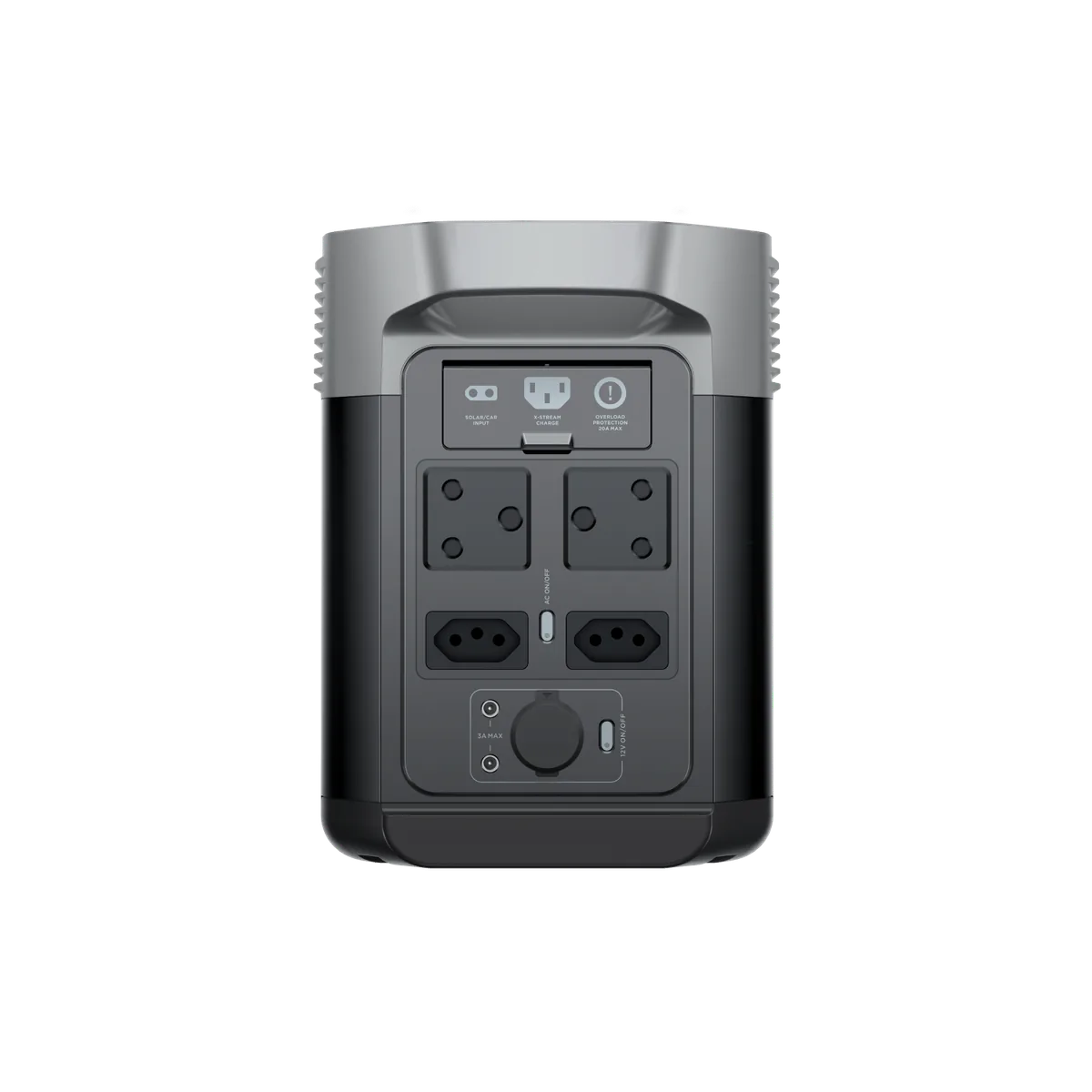
Energy and continuous-power comparison from EcoFlow South Africa product pages. Stock, price, warranty, delivered SKU and socket compatibility are separate checks. Official EcoFlow South Africa gallery model illustration. Where sockets are visible, the artwork shows South African three-round-pin (Type M-style) and two-pin sockets. Gallery images do not prove the sockets, lead or hardware revision of a delivered unit. The 2700 W surge has no duration. X-Boost is 2200 W in the table but 2400 W in the page text. The table lists six AC outlets while the South African rear-view image shows four; confirm the delivered outlet layout. No switchover time is given for the EPS function.EcoFlow South Africa — model illustration ↗
About 13,6 hours beyond your target in this estimate.
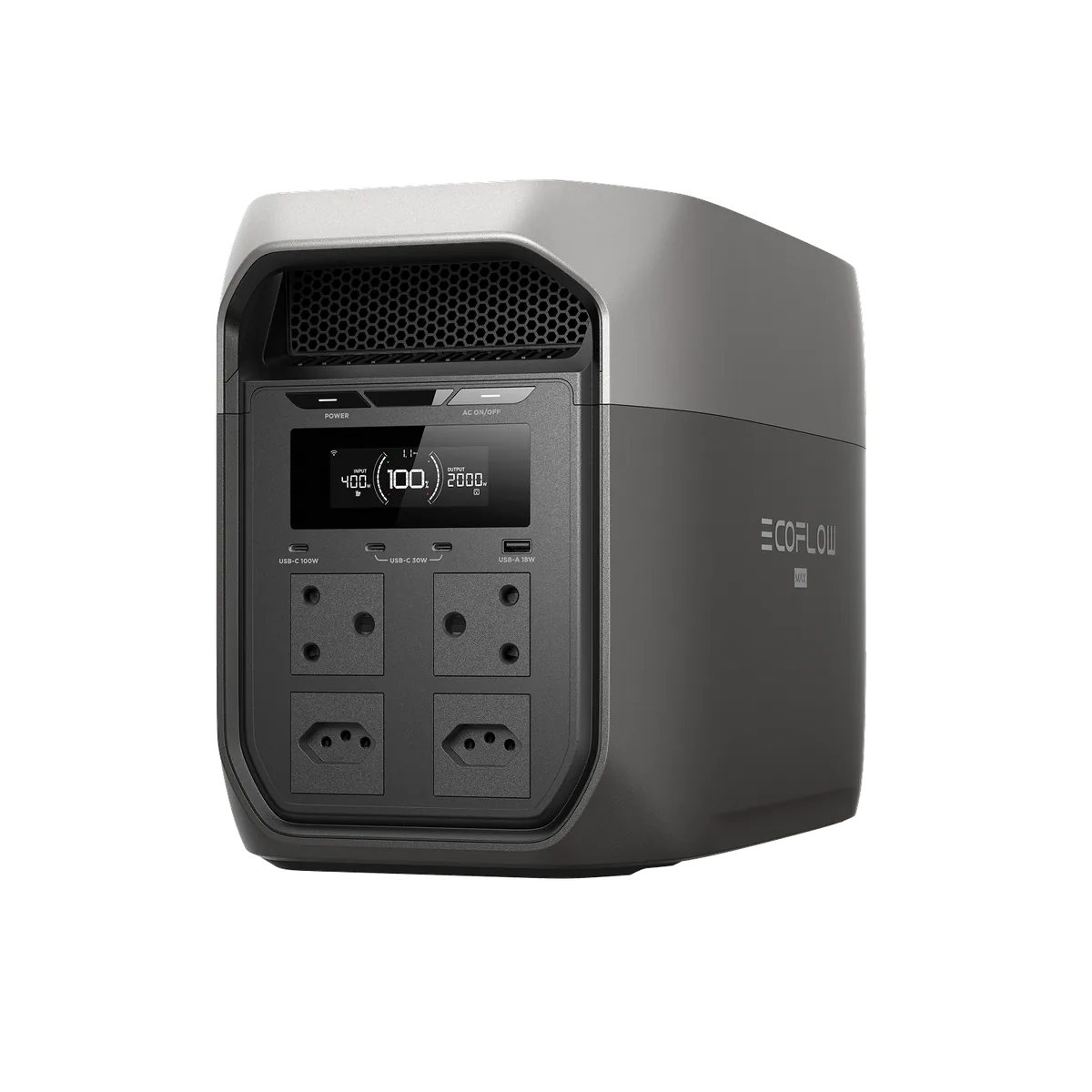
Energy and continuous-power comparison from EcoFlow South Africa product pages. Stock, price, warranty, delivered SKU and socket compatibility are separate checks. Official EcoFlow South Africa gallery model illustration. Where sockets are visible, the artwork shows South African three-round-pin (Type M-style) and two-pin sockets. Gallery images do not prove the sockets, lead or hardware revision of a delivered unit. 3200 W X-Boost is not continuous output, and the South African table gives no surge figure or duration. On 5 October 2026 the standalone unit was not available in the store feed; only the solar-panel bundles were.EcoFlow South Africa — model illustration ↗
About 39,2 hours beyond your target in this estimate.
A planning estimate, not a hands-on test. AC and DC efficiency factors are assumptions. Idle consumption, temperature, ageing and low-load shutdown may shorten runtime. Check the exact connections and test the complete setup.
The largest battery is not automatically the best choice. Consider the equipment, required duration and connections together.
For a compatible router or modem with known voltage, polarity and connector requirements.
Use the original power adapters and check that the equipment tolerates the UPS transfer during an outage.
More energy for longer outages, satellite networking and laptops, though it may be larger than a router alone needs.
Follow the equipment instructions to test transfer to backup and confirm that the modem, optical terminal, router and required mesh nodes stay online.
Some stations switch a small load off only after an idle timer expires.
Ask whether the provider’s equipment outside your home has outage backup. Keep an alternative connection for important work.
Record DC voltage, current, polarity and connector. A matching shape alone proves nothing.