How many watts should a power bank have for a laptop?
Match a laptop power bank by USB-C Power Delivery wattage, supported voltage, cable and stored watt-hours instead of one combined-output claim.
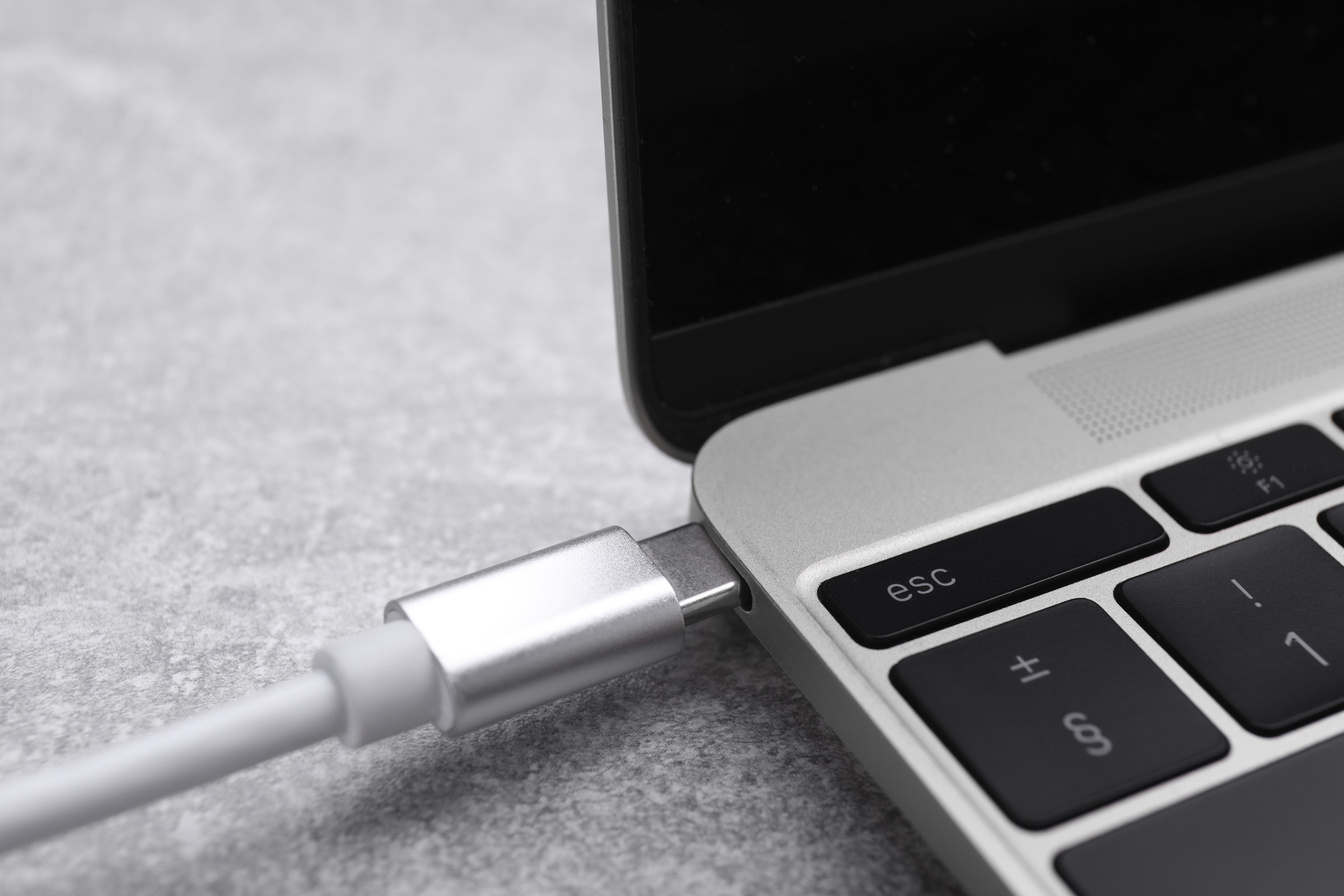
45W suits some light laptops, 65W is common for many ultrabooks, and demanding models may require 100W or 140W. The pack, individual port and cable must support the same USB Power Delivery profile.
See why this fitsWhat a 74Wh pack can supply in theory
rated Wh × usable share ÷ device WhUse the row closest to your situation. The explanation below shows what can move the result.
Comparison table
| Continuous equivalent | 55.5Wh ÷ load | Typical use | Main check |
|---|---|---|---|
| 45W | 1.23 hours | Efficient compact laptop | 45W PD profile |
| 65W | 0.85 hours | Many USB-C ultrabooks | 65W port and cable |
| 100W | 0.56 hours | Higher-power laptop | 5A cable may be required |
| 140W | 0.40 hours | USB PD 3.1 EPR laptop | Source, cable and device support |
Planning comparison only. Delivered energy varies with voltage conversion, cable loss, temperature, battery condition and device behavior.
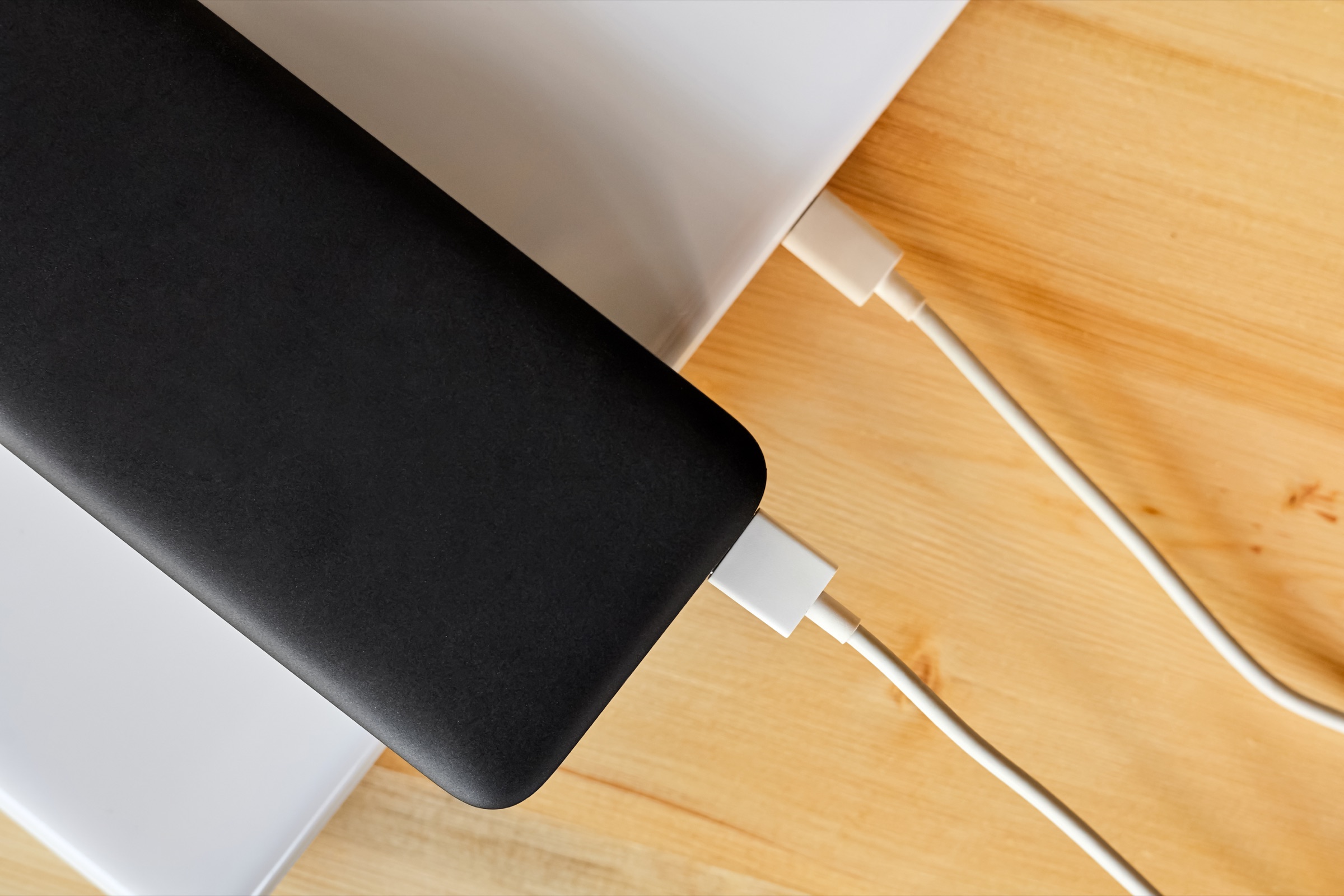
Start with the device you actually want to charge.
Energy, USB-C output and the cable you carry matter more than a large number printed on the listing.
Open Power Bank Finder →What does this mean
for your choice?
Read the individual port, not the headline
A pack advertised at 130W or 200W may be adding several simultaneous outputs. Your laptop uses one port, so its single-port ceiling and supported voltage profiles determine whether the laptop can negotiate the power it needs.
A charger rating is not battery runtime
The laptop's adapter wattage is a maximum supply figure, not necessarily its average workload. The table shows an energy equivalent at continuous draw; actual added laptop runtime depends on workload, internal battery state and charging behavior.
The cable participates in negotiation
Higher USB Power Delivery levels require a cable designed for the requested current and mode. A connector that physically fits is not proof of 100W or 140W support, and proprietary charging laptops may not accept USB-C input at all.
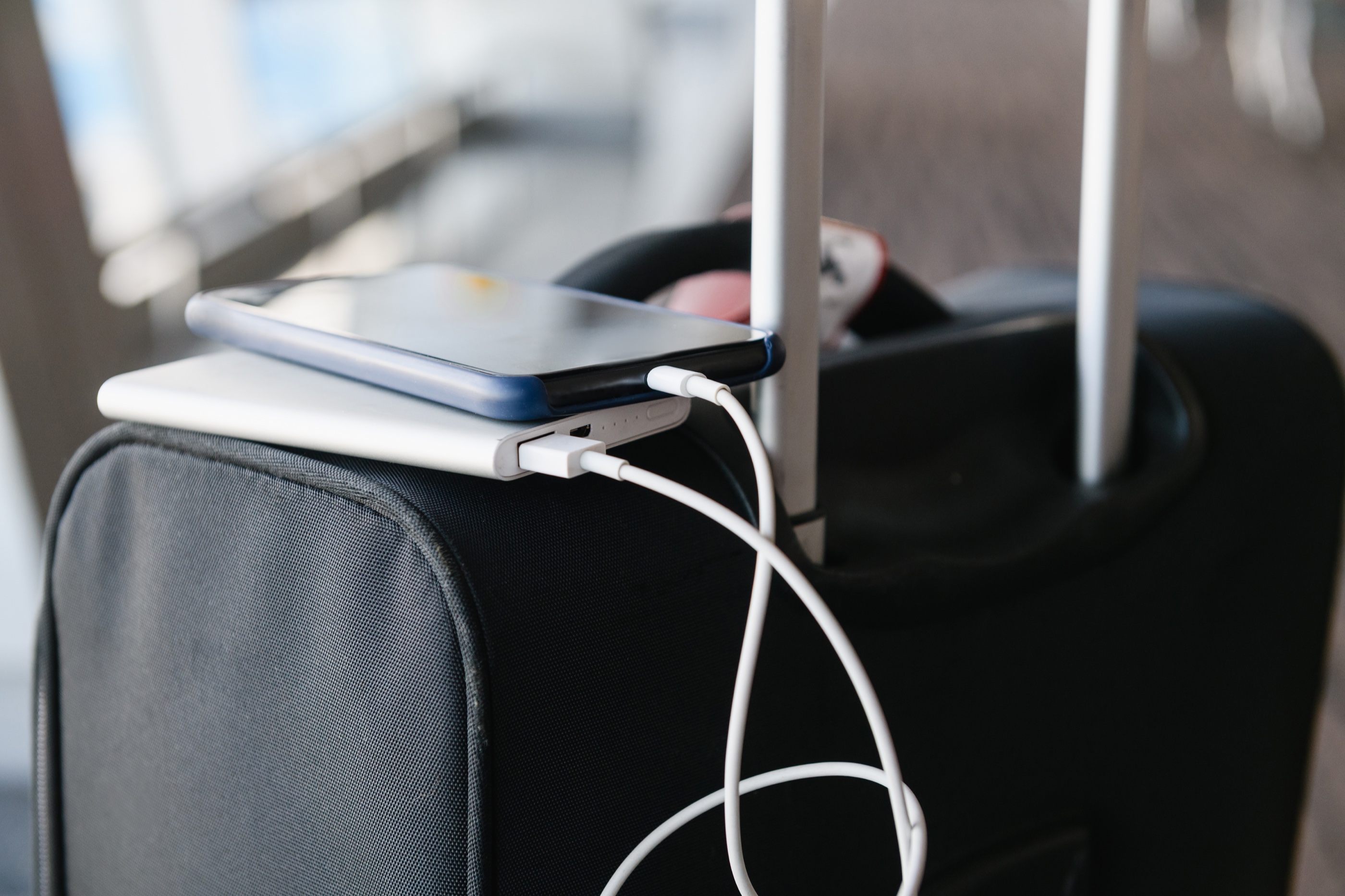
Check the complete power path.
A large enough battery can still be the wrong setup when its output, cable or regional version does not match.
- Laptop USB-C input wattage and voltage profile
- Fastest individual power-bank port
- USB PD version and EPR support where needed
- Cable current and power rating
- Rated Wh for the desired added runtime
- Multi-port output sharing
Practical answers
Can a 65W power bank charge a 100W laptop?
It may charge slowly or only while the laptop is idle if the device accepts the available profile, but it can also warn, discharge under load or refuse the source. Follow the laptop's documented USB-C input requirement.
Do I need 140W for a laptop that ships with a 140W charger?
For equivalent maximum charging behavior, the source, cable and laptop must all support the required 140W USB PD profile. A lower supported level may still work on some laptops with reduced performance.
Why can a 100W power bank have little laptop runtime?
Watts describe how fast it can deliver power; watt-hours describe how much energy it stores. A small high-output pack can support the port requirement yet contain only a short energy reserve.
Evidence and sources3 official sourcesShow sources
Power banks worth checking against this calculation
These are relevant specification profiles, not automatic recommendations. Confirm energy, output protocol, cable behavior and the exact regional model before buying.