How long will a power station run a TV and Wi-Fi?
Calculate combined TV, router and modem runtime with transparent 60–200W examples, including display settings, standby loss and provider-network limits.
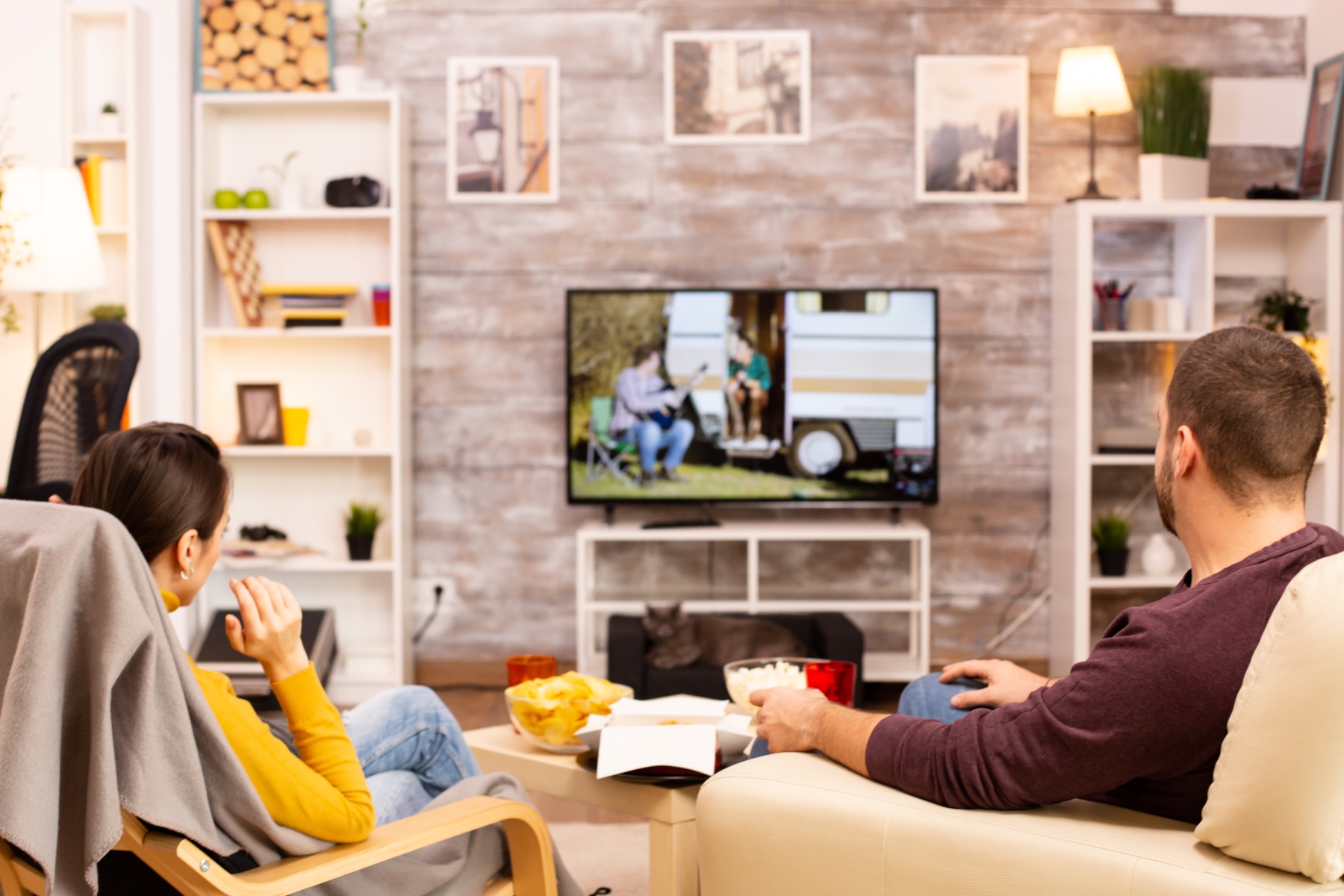
A 60W efficient setup calculates to 13.3 hours, while a larger 200W combination falls to about 4 hours.
See why this fitsTV and Wi-Fi runtime from 800Wh
usable Wh ÷ average W = hoursUse the row closest to your situation. The explanation below shows what can move the result.
Comparison table
| Combined average load | Energy for 4 hours | Planned runtime | Typical interpretation |
|---|---|---|---|
| 60W | 240Wh | 13.3 hours | Small efficient display and network |
| 100W | 400Wh | 8 hours | Moderate combined example |
| 150W | 600Wh | 5.3 hours | Larger or brighter display |
| 200W | 800Wh | 4 hours | High combined example |
Planning estimate only. Real runtime varies with temperature, load behavior, battery condition and conversion path.

Use your own watts, hours and reserve.
A realistic input gives you a useful range instead of a false promise.
Open Runtime Lab →What does this mean
for your choice?
Add the whole signal chain
The television is only one load. Include the router, modem or fiber terminal, streaming box, soundbar and any mesh node that must remain on at the same time.
Picture settings change TV power
Display size, brightness, picture mode and content affect active energy use. DOE efficiency guidance distinguishes active and standby consumption, so a plug-in meter provides a stronger outage estimate than screen size alone.
Local power does not guarantee service
A powered router cannot restore an upstream cable, fiber or provider outage. Keep downloaded media or a cellular alternative if information access matters during a blackout.

Check the complete power path.
A large enough battery can still be the wrong setup when its output, cable or regional version does not match.
- Measured TV active watts
- Every router, modem and streaming box
- Station low-load and eco behavior
- Provider backup limitations
- Correct regional AC version
- Reserve for phones and lighting
Practical answers
Will a 500Wh station run a TV for an evening?
With 400Wh planned usable energy, it provides about 4 hours at a 100W combined load or 6.7 hours at 60W. Include the network and streaming equipment in that total.
Does turning down TV brightness help?
It can reduce active consumption on many displays, but the size of the change depends on the model and picture mode. Measure the setup in the settings you actually use.
Why is Wi-Fi on but the internet unavailable?
Your local router and modem can have power while the provider’s upstream equipment or line is offline. Battery runtime and service availability are separate questions.
Evidence and sources2 official sourcesShow sources
Stations worth checking against this calculation
These are relevant specification profiles, not automatic recommendations. Confirm energy, output protocol, cable behavior and the exact regional model before buying.