What changed
Modbus is a common protocol for inverters, meters and ventilation units. Until now, Home Assistant users often had to write register maps in YAML by hand. The new approach lets an integration that already knows a device handle the details, so you pick the device in the normal setup screen. The old YAML option keeps working.
Several integrations can also share one Modbus TCP connection to the same device. The Energy dashboard now shows device names too, which helps when several sensors are simply called Energy.
One example: Fronius
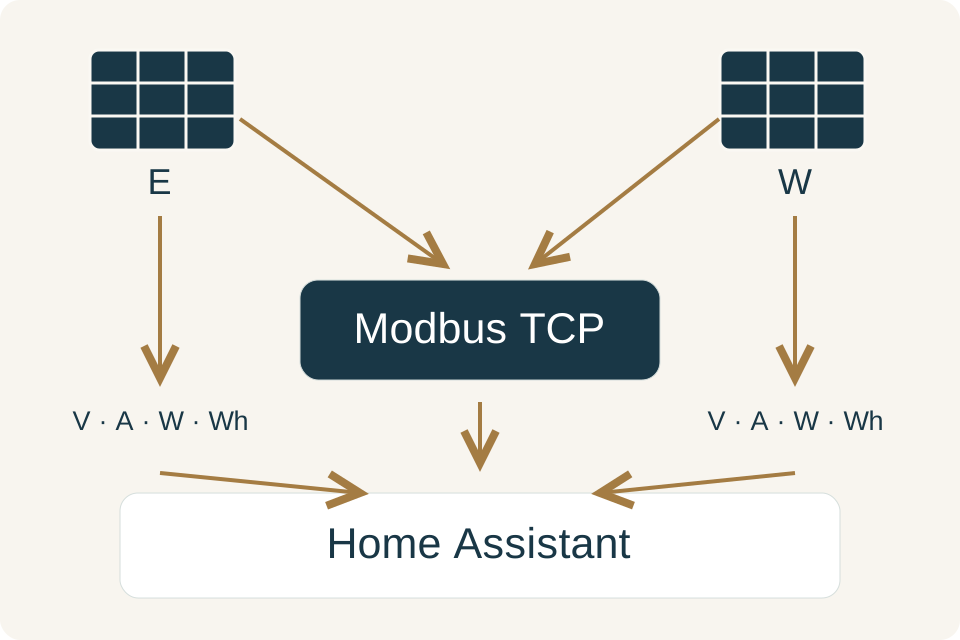
The Fronius integration already read data through the inverter's local web interface. It now has optional Modbus TCP (SunSpec) support that adds per-string figures: current, voltage, power and lifetime energy for each MPP tracker.
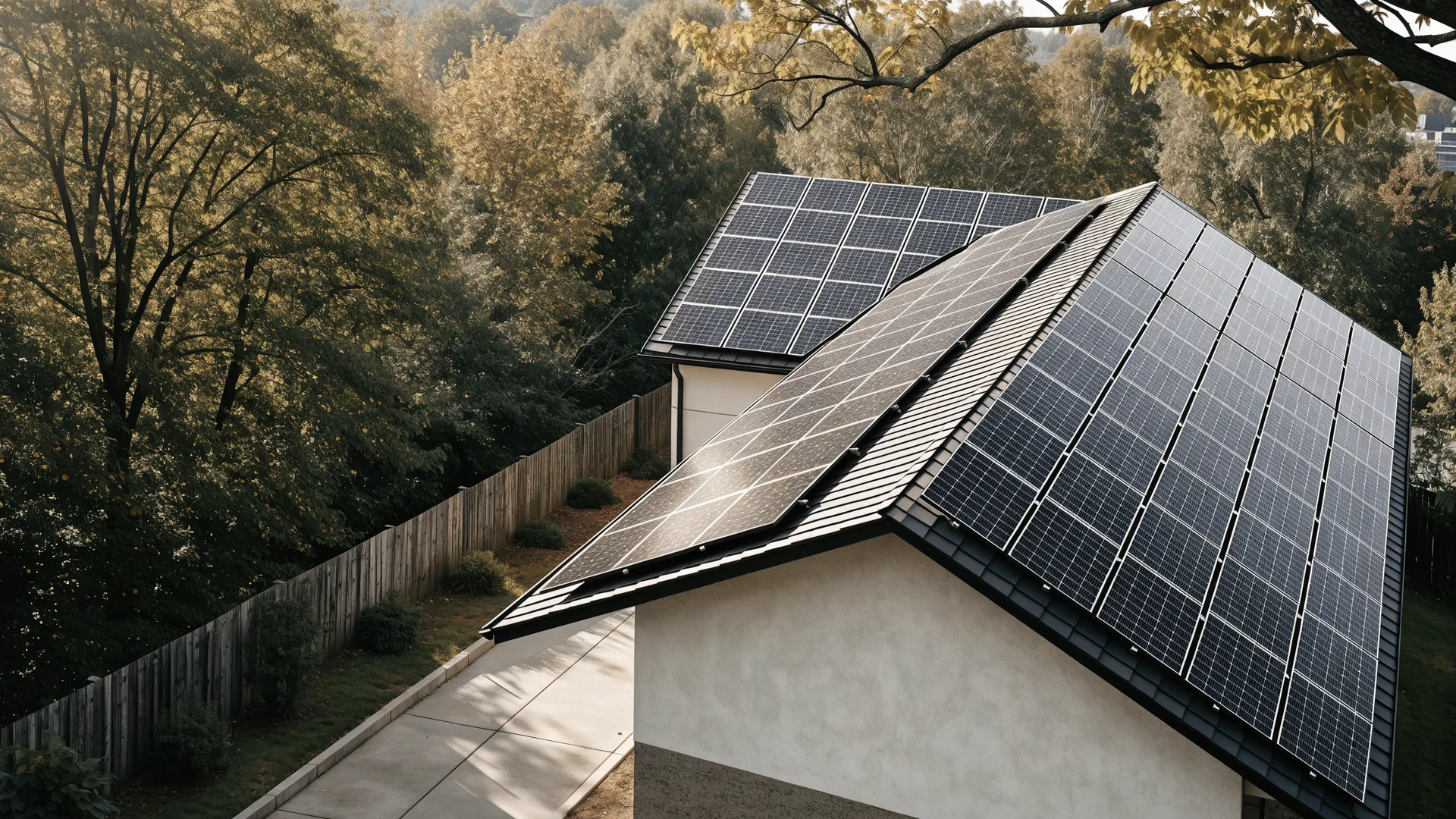
Picture two strings, one on an east roof and one on a west roof. The east string naturally produces less in the afternoon; what separate figures help you spot is a deviation from the expected daily pattern, such as one string falling short at a time of day when it should be strong, which can point to shading or a fault. The shared connection matters because some Fronius models only accept a handful of Modbus sessions at once. According to the integration documentation, Modbus TCP must first be enabled in the inverter's settings.
Sofar, and what the update does not do
The new Sofar Inverter Modbus integration connects directly or through a Modbus TCP bridge, detects the inverter model and works with both PV-only and hybrid inverters with a battery.
Not every inverter is supported, so check the integration list for your exact model. Seeing data is not the same as controlling a battery, and neither gives you power during an outage. Leave changes to inverter settings and any electrical work to the manufacturer's guidance or a qualified installer.
Curious what your panels could produce? Try our solar checker or plan your devices with the planner.
Software release available worldwide; support depends on the exact inverter model and integration.