Work from home during load shedding: laptop, monitor and Wi-Fi backup
A practical backup power calculation for working from home: laptop, monitor, router and ONT, and a desk lamp, with runtimes for a four-hour outage and a full workday.
Covering four hours of load shedding needs about 520 Wh of nominal battery capacity under the assumptions below; an eight-hour workday needs about 1,040 Wh.
See why this fitsHome-office profile for four hours
usable Wh ÷ average W = hoursUse the row closest to your situation. The explanation below shows what can move the result.
Comparison table
| Device | Watts × hours | Energy |
|---|---|---|
| Laptop (average while working) | 45 W × 4 h | 180 Wh |
| External monitor | 25 W × 4 h | 100 Wh |
| Wi-Fi router and fibre ONT | 15 W × 4 h | 60 Wh |
| LED desk lamp | 6 W × 4 h | 24 Wh |
| Devices total | 91 W | 364 Wh |
| Nominal battery, 4 h | (364 ÷ 0.85 + 10 W × 4 h) ÷ 0.9 | About 520 Wh |
| Nominal battery, 8 h | (728 ÷ 0.85 + 10 W × 8 h) ÷ 0.9 | About 1,040 Wh |
Planning estimate only. Real runtime varies with temperature, load behavior, battery condition and conversion path.

Use your own watts, hours and reserve.
A realistic input gives you a useful range instead of a false promise.
Open Power Planner →What does this mean
for your choice?
Measure the laptop's real average
A 65 W or 100 W laptop charger is a maximum, not the average. Many laptops average well below that during office work, more during video calls or when charging an empty battery. Measure with a plug-in meter for a normal hour of work and replace the 45 W example. The laptop's own battery also gives you some time without any backup.
Use DC outputs where you can
Charging the laptop from a USB-C Power Delivery port on a power station avoids converting to 230 V AC and back, and lets the inverter switch off if nothing else needs it. Check the port's wattage against the laptop's requirement; see “How many watts should a power bank have for a laptop?” and “How long will a power station run a laptop?”.
Keep the connection up
Your laptop is no use for remote work without internet. Put the router and ONT on the same backup or on a dedicated mini UPS (see “UPS for router and fibre ONT: keep Wi-Fi up during load shedding”), and keep mobile data as a fallback. A powered router does not guarantee the provider's network is running.
Desktop computers need a different plan
A desktop tower and large monitor can draw several times more than a laptop setup and do not have their own battery. A UPS is mainly there to give time for a clean shutdown; see “How should a UPS protect a workstation, NAS or server?” before sizing one for a full workday.
Recharge for the next day
If load shedding returns the same day, check how long the station takes to recharge from the wall. Run your own profile in the power planner or the runtime calculator.
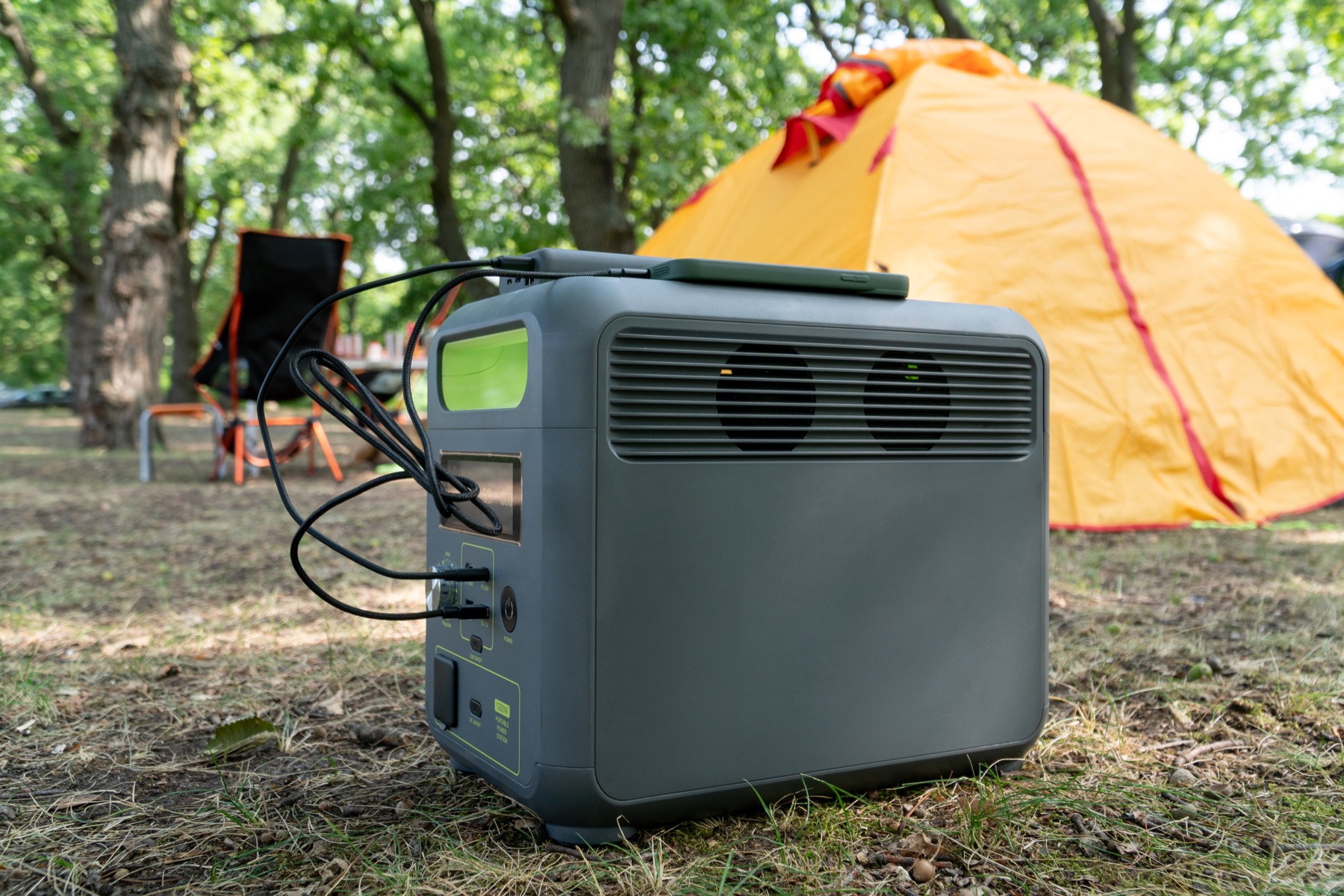
Check the complete power path.
A large enough battery can still be the wrong setup when its output, cable or regional version does not match.
- Measured laptop and monitor average power
- Router and ONT on backup too
- USB-C PD wattage for the laptop
- Battery Wh for the hours you need
- Recharge time between outages
Practical answers
Is a 500 Wh power station enough to work through load shedding?
For the 91 W example it covers roughly four hours (about 520 Wh nominal is needed under the stated assumptions, so 500 Wh is slightly short). Using DC outputs instead of the AC inverter can stretch it further.
Can I just use a large power bank?
For a laptop alone, a power bank with enough USB-C PD wattage can work. A monitor, router and lamp usually need 230 V AC or specific DC outputs that most power banks do not provide.
Evidence and sources1 official sourceShow sources
Separate documented specifications from calculated matches.
Products lists stations documented on EcoFlow South Africa product pages beside source-region technical references. A calculated match is not a compatibility guarantee, a stock or price claim or a purchase recommendation. Enter your actual device load and check the sockets, lead and instructions of the exact unit.