UPS for router and fibre ONT: keep Wi-Fi up during load shedding
Choose a UPS for your router and fibre ONT: read each power adapter's voltage and plug, add up the watts, and compare a DC mini UPS with a power station.
Read the voltage, current and plug on each power adapter, add up the measured watts, then pick a mini UPS or power station with matching outputs and enough watt-hours. A 37 Wh mini UPS runs a 15 W pair for roughly 1.9 hours under the assumptions below. Powering your equipment does not guarantee internet access, because the provider's network may also be without power.
See why this fitsIllustrative runtime for a 15 W ONT and router
usable Wh ÷ average W = hoursUse the row closest to your situation. The explanation below shows what can move the result.
Comparison table
| Option | Calculation | Runtime |
|---|---|---|
| DC mini UPS labelled 10,000 mAh at 3.7 V (37 Wh) | 37 × 0.9 × 0.85 ÷ 15 W | About 1.9 hours |
| 256 Wh power station, 12 V DC outputs | 256 × 0.9 × 0.85 ÷ 15 W | About 13 hours |
| 256 Wh power station, AC outlet with original adapters | 256 × 0.9 × 0.85 ÷ (15 W + 10 W idle) | About 7.8 hours |
Planning estimate only. Real runtime varies with temperature, load behavior, battery condition and conversion path.

Use your own watts, hours and reserve.
A realistic input gives you a useful range instead of a false promise.
Open Power Planner →What does this mean
for your choice?
Read both power adapters
The ONT installed by your fibre provider and the Wi-Fi router usually have separate power adapters. Note the output voltage (for example 12 V), the maximum current (for example 1 A or 1.5 A), the barrel size and the polarity symbol on each. The adapter's maximum rating (12 V × 1.5 A = 18 W) is a ceiling, not the actual consumption; measure the real draw if you can.
Match voltage, connector and polarity
A DC mini UPS must supply the exact voltage each device expects, on a connector that fits and with the same polarity. Barrel plugs that look alike can differ (for example 5.5 × 2.1 mm and 5.5 × 2.5 mm). A loose or wrong connector can mean no power or a damaged device. If the router needs a voltage the UPS does not offer, use the original adapter from an AC outlet instead.
DC mini UPS or power station
A DC mini UPS is small and switches over without the router rebooting on many models, but its capacity is limited. A power station has far more energy and can also run a laptop or light. Using its 12 V DC output avoids the inverter's idle draw, which is why the DC row lasts longer than the AC row in the table. Plan your own setup in the internet backup calculator or the UPS planner.
Power at home is not the whole connection
Your ONT and router only reach the internet if the provider's network is also running. During a long power outage, street cabinets or mobile towers can run out of backup power. Keep a phone with mobile data as a second route, and remember that a mobile tower may be affected too.
Charging and switch-over
Check that the mini UPS or station can charge and power the devices at the same time and that the switch-over is fast enough for your router not to restart. Test it with a short planned switch-off at the wall before load shedding, not during it.
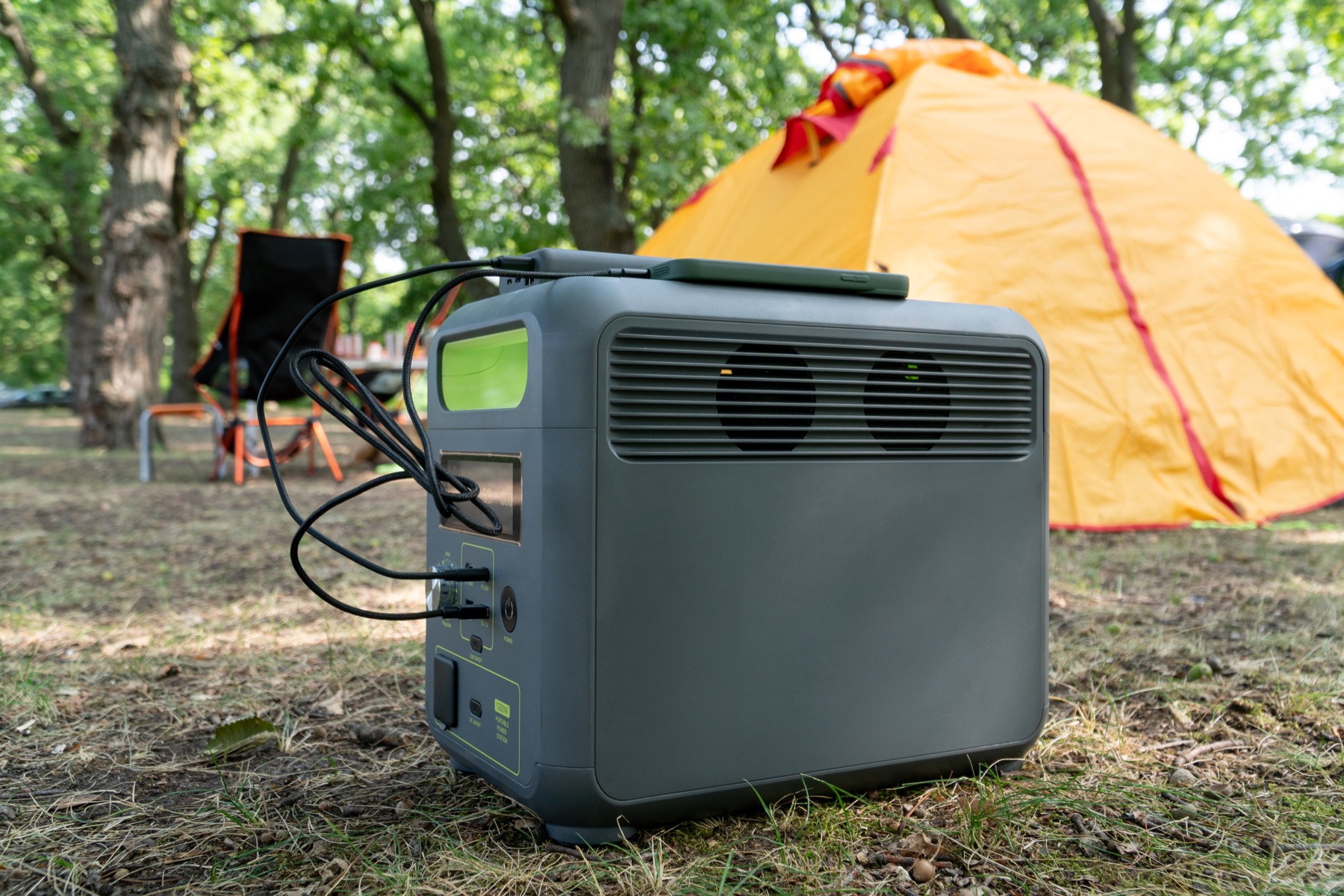
Check the complete power path.
A large enough battery can still be the wrong setup when its output, cable or regional version does not match.
- Voltage, current, plug size and polarity of each adapter
- Measured watts of ONT and router together
- UPS outputs that match each device
- Runtime after losses and reserve
- A tested switch-over without a reboot
Practical answers
Will a UPS keep my fibre working during load shedding?
It keeps your ONT and router powered. Whether the internet works also depends on your provider's network having power, which you cannot control from home.
Can I use a laptop power bank for my router?
Only if it has a DC output at exactly the voltage the router needs, with a matching connector and polarity, and enough energy for the hours you want. Many USB-only power banks need a suitable converter cable; check the router's rating first.
Evidence and sources1 official sourceShow sources
Separate documented specifications from calculated matches.
Products lists stations documented on EcoFlow South Africa product pages beside source-region technical references. A calculated match is not a compatibility guarantee, a stock or price claim or a purchase recommendation. Enter your actual device load and check the sockets, lead and instructions of the exact unit.