Language and regionEnglish · PhilippinesPH
Plan a controlled response

Protect your work when power fails.

Choose what must stay powered, then plan UPS output and the time needed to save work and shut down safely.

Build my plan ↓
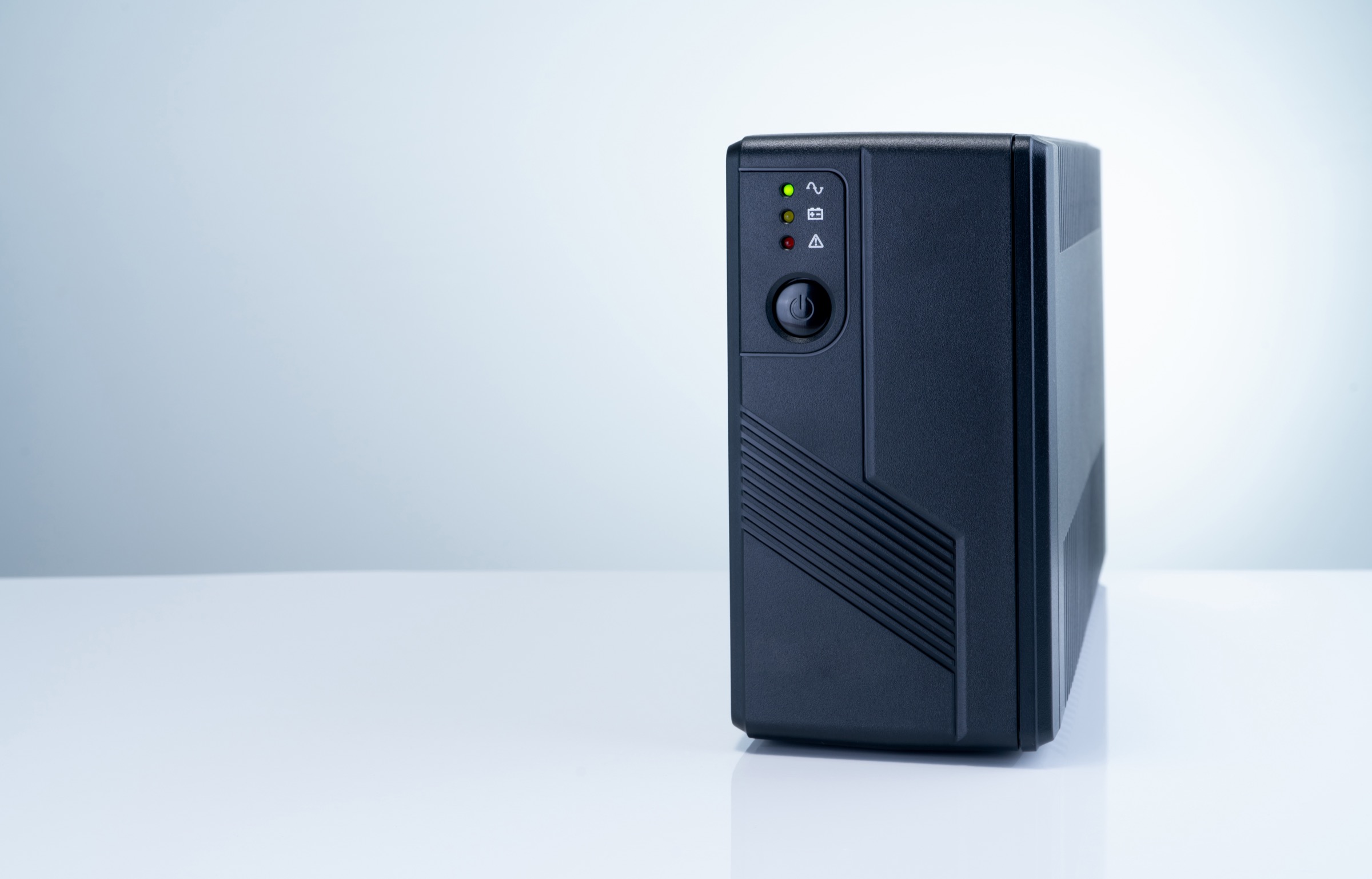
Illustrative computer UPS, not proof of an exact regional unit.
Backup for your equipmentStart with what must keep working.
1Choose the equipment→2Plan the response time→3Check a UPS
Step 1

What do you need to protect?

Choose the closest example, then replace its watts with your actual load.

Find a device load
Don’t know the wattage? Find your deviceSearch an exact model or choose one of 27 quick device types.
Model search + quick estimates

Start with a brand, model or device type.

Exact models show their source. If the model is not indexed yet, use an editable category estimate instead.

How can I measure it? →
Browse exact modelsChoose a category and then a brand. Or type a model above.
Quick device types27 recognizable starting points; this selector deliberately stays compact.

8 of 27 results shown · search or filter to narrow the list

Connectivity

Starlink Mini

Manufacturer-sourced range
Typical range
25–40 W
Starting value
40 W
Brief peak
60 W

Check and edit these values once you have a nameplate or measurement.

Connectivity

Wi-Fi router + modem

Editable category estimate
Typical range
12–25 W
Starting value
18 W
Brief peak
25 W

Check and edit these values once you have a nameplate or measurement.

Work & charging

Phone charging

Editable category estimate
Typical range
5–20 W
Starting value
15 W
Brief peak
20 W

Check and edit these values once you have a nameplate or measurement.

Work & charging

Laptop workstation

Editable category estimate
Typical range
45–100 W
Starting value
65 W
Brief peak
100 W

Check and edit these values once you have a nameplate or measurement.

Work & charging

Desktop computer + monitor

Editable category estimate
Typical range
150–500 W
Starting value
250 W
Brief peak
500 W

Check and edit these values once you have a nameplate or measurement.

Work & charging

Camera or drone charging

Editable category estimate
Typical range
40–200 W
Starting value
120 W
Brief peak
200 W

Check and edit these values once you have a nameplate or measurement.

Cooling

12V compressor fridge — daily average

Editable category estimate
Typical range
15–35 W
Starting value
22.5 W
Brief peak
120 W

Check and edit these values once you have a nameplate or measurement.

Cooling

Home refrigerator — daily average

Editable category estimate
Typical range
25–60 W
Starting value
40 W
Brief peak
600 W

Check and edit these values once you have a nameplate or measurement.

Target: 10,000 checked modelsThe model catalog is being populated source by source. Another 50 outage-device estimates are available through search only, while the 27 quick choices stay calm and compact.
Step 2

Check the power draw.

These are example inputs, not measurements. For important equipment, use measured consumption or its label.

How to measure the load →
Step 3

How will you respond to the outage?

Allow time to respond, save or transfer work, and shut systems down. The plan adds a further five-minute margin.

What starts the response?
Calculation and response details
Your planning target

240 W load. At least 300 W UPS output.

Plan approximately 25 minutes of protected time. This is a requirement, not a runtime promise. Check the exact model’s official runtime curve at your measured load.

Check UPS specifications ↓
Connected load240 WAll selected equipment
Required output300 W+Includes 25% headroom
Required protected time25 minIncludes a five-minute margin
Response controlUSBOne connected system
  1. 1NoticeMake sure the outage is reported.
  2. 2SaveSave active work safely.
  3. 3Shut downStop services in the planned order.
  4. 4RecoverRestart only after power is stable.
Regional manufacturer documentation

Compare the UPS with your plan.

Output and communication are initial checks. Verify runtime, grounding, sockets, software and the actual equipment separately.

Installation and exact hardware

This uses the manufacturer’s Philippine documentation. It is not assumed equivalent to a European or US model with the same name.

Philippine specificationVerify voltage, frequency and grounding on the actual unitVerify voltage, frequency, sockets, grounding, included leads and warranty for the actual model.

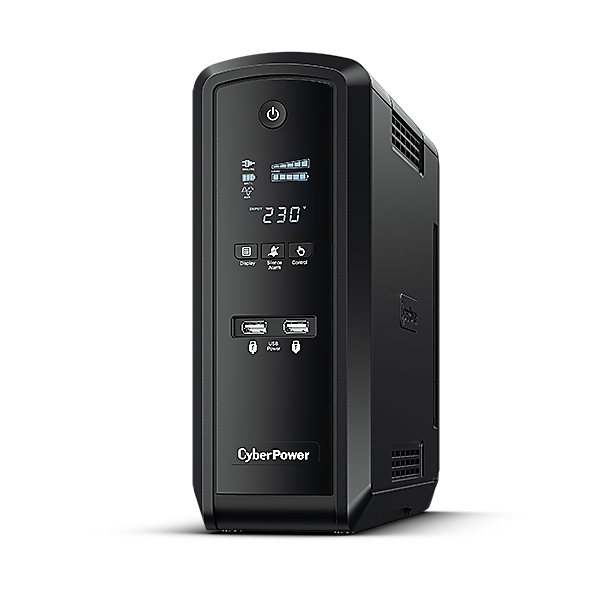
CP1500EPFCLCD: image from the Philippine product page, not proof of the actual sockets, included lead or delivery.CyberPower ↗

Meets initial output and control checks✓
CyberPower

CP1500EPFCLCD

Manufacturer specifications and runtime curve

The manufacturer’s Philippine specification. Use this for initial output and control checks, then verify runtime and the shutdown procedure with the actual equipment.

Output and connection specifications
Maximum output
900 W
Battery-mode waveform
Sine wave
Response control
One system over USB
Regional specification
Philippine manufacturer record: 230 V, 50/60 Hz

The Philippine page lists 230 V±10% output with 8 NEMA5-15R battery-backed outlets and an IEC C14 inlet with a NEMA5-15P lead. Plug shape does not mean 120 V. Verify the actual lead ratings, grounding and appliance voltage; do not substitute the six-Schuko European namesake.

One HID USB management port is documented. This record does not establish a network-card shutdown route. Confirm software and NAS/operating-system support and test the complete sequence.
Regional manufacturer documentationSeller and warranty require separate checks
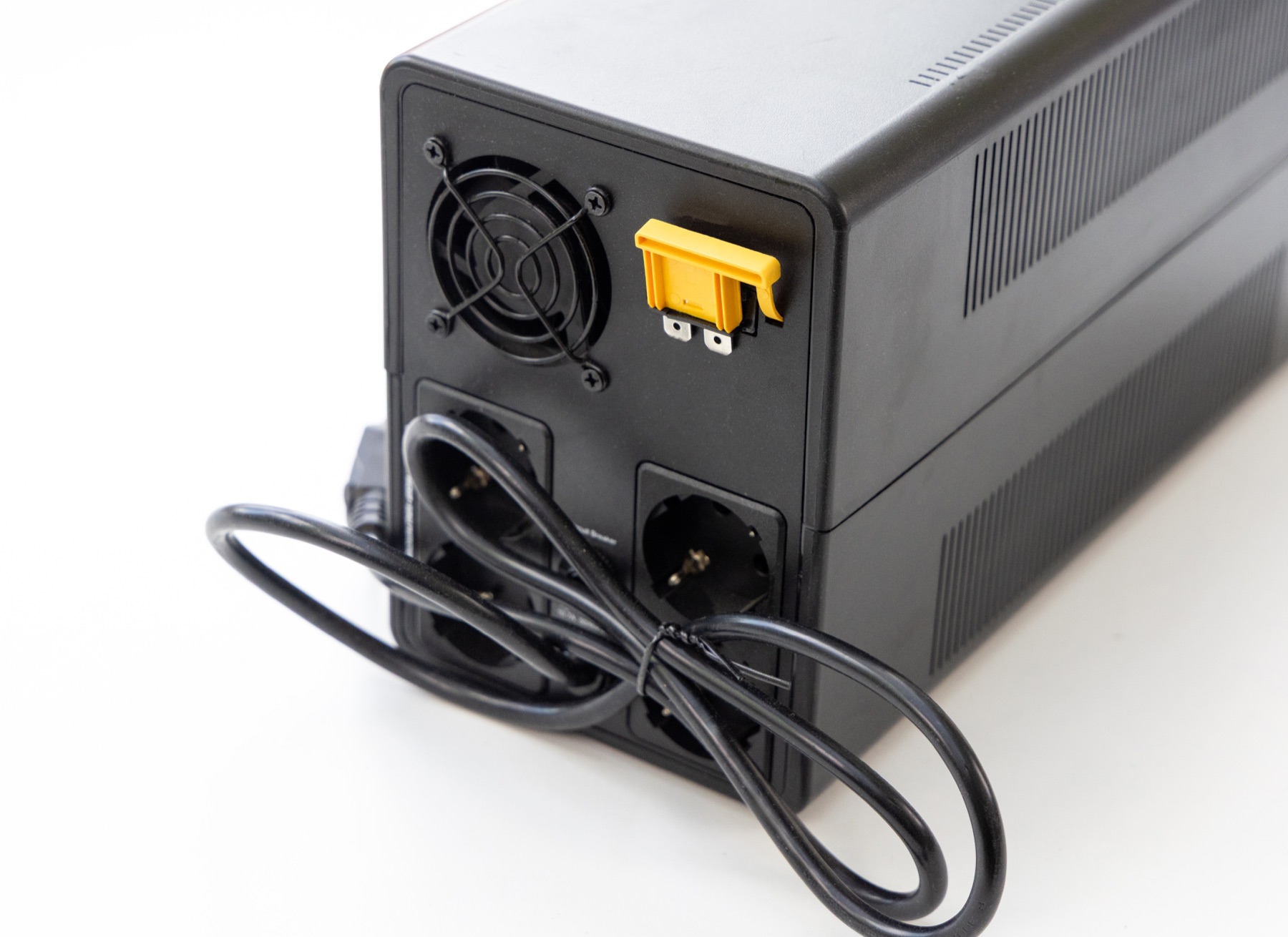
Illustrative UPS connections; the actual arrangement depends on model and region.
Illustrative example. Identify the actual sockets supplied by the battery.
Before connecting

Not every outlet may have battery backup.

A UPS may combine battery-backed and surge-only outlets. Connect essential computing, storage and networking equipment to the outlets identified as battery-backed in its manual.

  • Keep laser printers, heaters and other heavy loads off battery-backed outlets.
  • Back up the router, modem and switch when alerts depend on the internet.
  • Test alerts, shutdown and restart with the actual equipment.
Why is there no exact runtime promise?

VA alone does not determine runtime. Battery condition, conversion loss and the manufacturer’s discharge curve matter. Use this planner to set power and time requirements, then verify the exact model.
Privacy