Language and countryEnglish · CanadaCA
Work continuity planner

Keep the work safe when the power stops.

Choose what must stay on. We turn it into a simple UPS target and a response plan you can rehearse.

Build my plan ↓
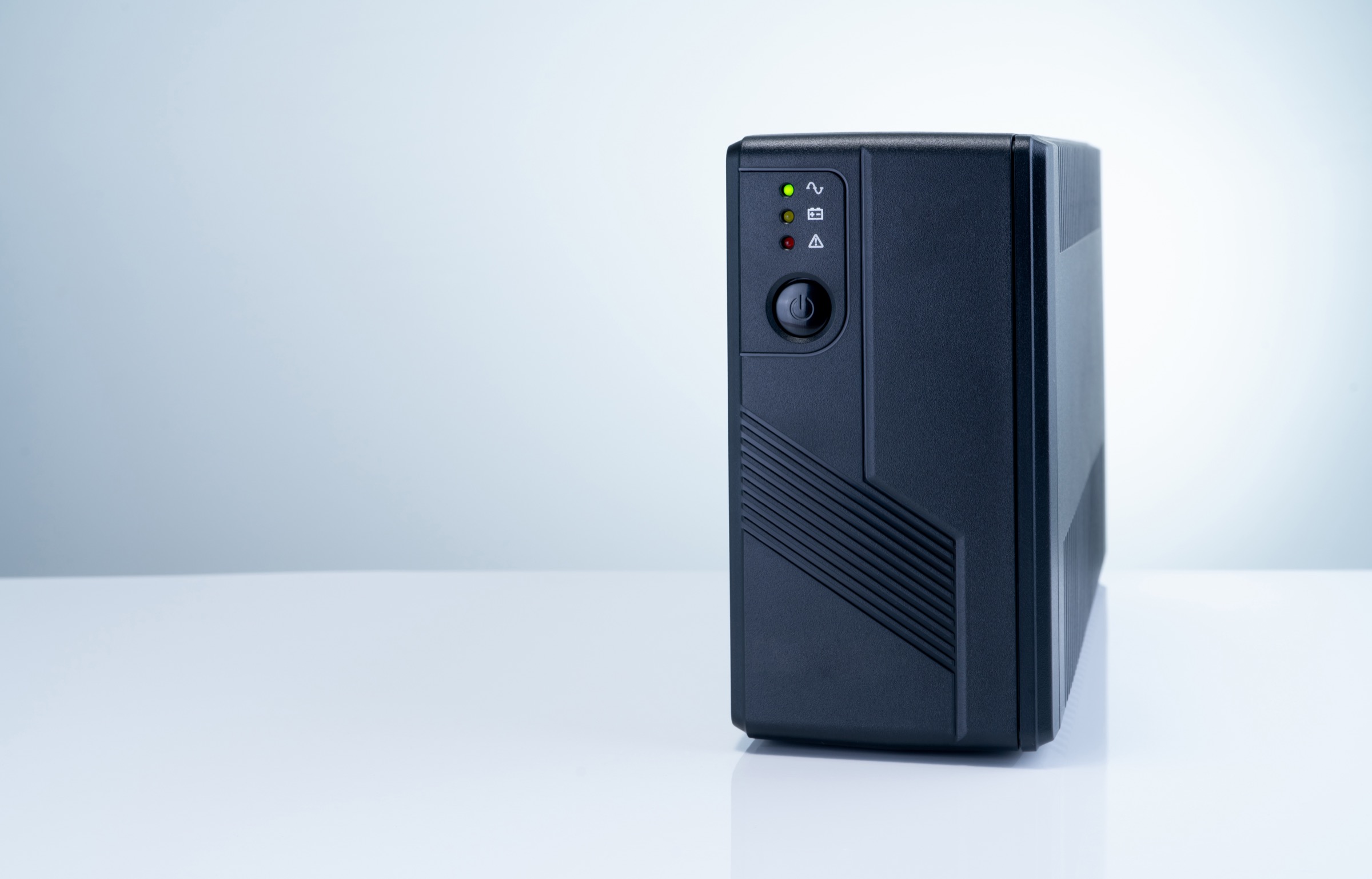
A real uninterruptible power supply ready to protect computer equipment
Backup power for your equipmentStart with what genuinely needs to stay on.
1Choose the equipment→2Set response time→3Check a UPS
Step 1

What are you protecting?

Pick the closest starting point. You can correct every watt value next.

Don’t know the wattage? Find your deviceSearch an exact model or choose one of 27 quick device types.
Model search + quick estimates

Start with a brand, model or device type.

Exact models show their source. If the model is not indexed yet, use an editable category estimate instead.

How can I measure it? →
Browse exact modelsChoose a category and then a brand. Or type a model above.
Quick device types27 recognizable starting points; this selector deliberately stays compact.

8 of 27 results shown · search or filter to narrow the list

Connectivity

Starlink Mini

Manufacturer-sourced range
Typical range
25–40 W
Starting value
40 W
Brief peak
60 W

Check and edit these values once you have a nameplate or measurement.

Connectivity

Wi-Fi router + modem

Editable category estimate
Typical range
12–25 W
Starting value
18 W
Brief peak
25 W

Check and edit these values once you have a nameplate or measurement.

Work & charging

Phone charging

Editable category estimate
Typical range
5–20 W
Starting value
15 W
Brief peak
20 W

Check and edit these values once you have a nameplate or measurement.

Work & charging

Laptop workstation

Editable category estimate
Typical range
45–100 W
Starting value
65 W
Brief peak
100 W

Check and edit these values once you have a nameplate or measurement.

Work & charging

Desktop computer + monitor

Editable category estimate
Typical range
150–500 W
Starting value
250 W
Brief peak
500 W

Check and edit these values once you have a nameplate or measurement.

Work & charging

Camera or drone charging

Editable category estimate
Typical range
40–200 W
Starting value
120 W
Brief peak
200 W

Check and edit these values once you have a nameplate or measurement.

Cooling

12V compressor fridge — daily average

Editable category estimate
Typical range
15–35 W
Starting value
22.5 W
Brief peak
120 W

Check and edit these values once you have a nameplate or measurement.

Cooling

Home refrigerator — daily average

Editable category estimate
Typical range
25–60 W
Starting value
40 W
Brief peak
600 W

Check and edit these values once you have a nameplate or measurement.

Target: 10,000 checked modelsThe model catalog is being populated source by source. Another 50 outage-device estimates are available through search only, while the 27 quick choices stay calm and compact.
Step 2

Check the watts.

These are useful starting values—not measurements. Replace them with readings from a watt meter or the equipment label.

How to measure watts →
Step 3

How should the outage end?

Give active work time to react, then enough time for a controlled shutdown. Five extra minutes are added as a safety margin.

Who starts the response?
Your planning target

240W load. At least 300W UPS output.

Plan for approximately 25 minutes of protected time, then verify that duration on the manufacturer’s runtime chart at your real load.
See suitable UPS routes ↓
Connected load240WAll selected equipment
Output target300W+Includes 25% breathing room
Protected time25 minIncludes 5-minute margin
Control routeUSBOne connected host
  1. 1DetectMake sure the outage is noticed.
  2. 2PreserveSave or hand off active work.
  3. 3Close safelyStop services in the right order.
  4. 4RecoverConfirm power is stable before restart.
Documented starting points

Which UPS routes fit this target?

Output and control can be screened here. Runtime still needs the official load chart; regional voltage and sockets must match your country.

Canada electrical route

This Canada edition keeps the planning route fixed to local mains and outlets. Use another country edition when the UPS will be installed elsewhere.

Fixed Canada marketCanada · 120V · 60Hz · Type A/BConfirm the exact Canadian model, NEMA outlet layout, physical cUL or other applicable approval mark, warranty and runtime chart before ordering.
Fits the first checks✓
CyberPower

CP1500PFCLCD

Workstations and managed equipment that benefit from sine-wave output.

Maximum output
1,000W
Waveform
Sine wave
Control
USB + optional network route
Exact region
120V · North America
Not verified yetLocal seller route still needs checking
Fits the first checks✓
CyberPower

BL1450U

Ordinary home-office and network loads after waveform compatibility is checked.

Maximum output
810W
Waveform
Simulated sine wave
Control
USB-connected host
Exact region
120V · North America
Not verified yetLocal seller route still needs checking
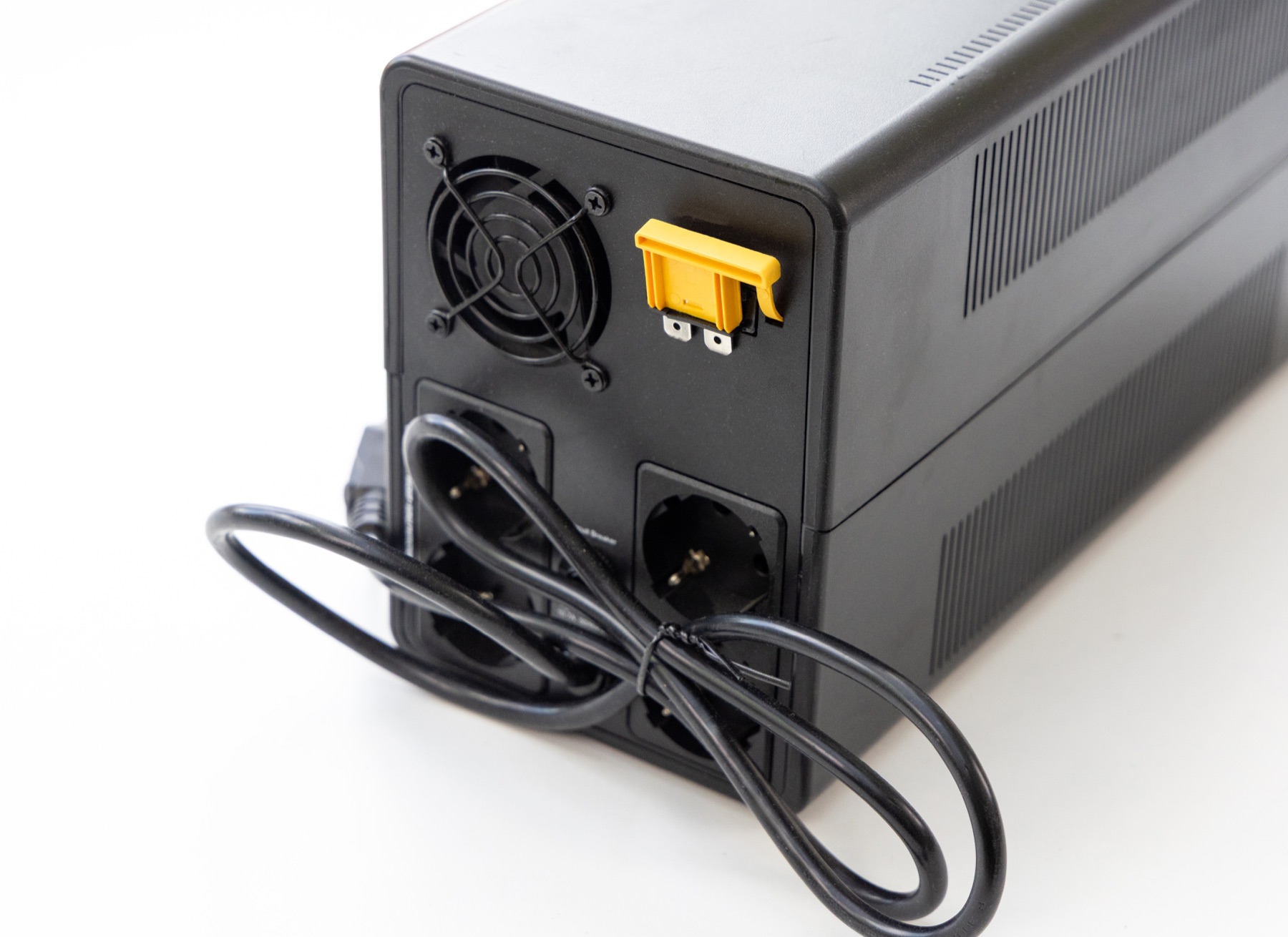
Rear view of a generic UPS showing that battery-backed and surge-only outlets must be identified
Example only: outlet layouts and plugs vary by model and country.
Before plugging in

Not every outlet keeps running.

A UPS can have battery-backed outlets and surge-only outlets on the same rear panel. Put only the essential computer, storage and network path on battery backup.

  • Keep laser printers, heaters and other high-draw devices off the battery outlets.
  • Protect the router, modem and switch if remote alerts need the internet.
  • Test notification, shutdown and restart with the real equipment.
Why the planner does not promise runtime

UPS runtime is not a simple VA-to-minutes conversion. Battery condition, conversion losses and the manufacturer’s discharge curve all matter. Use this page to set the required load and time, then confirm both on the exact model’s official runtime chart.