Inverter, UPS and solar generator: which job does each do?
An inverter converts DC electricity to AC. A UPS adds backup behaviour, and a solar-generator bundle adds a battery system and panels. Check the complete device rather than relying on a name.
A UPS adds backup behaviour, and a solar-generator bundle adds a battery system and panels. Check the complete device rather than relying on a name.
See why this fitsPlanning examples and comparison checks
Use the row closest to your situation. The explanation below shows what can move the result.
Comparison table
| Task | First check | Next step |
|---|---|---|
| Router backup | DC voltage and polarity | Internet backup calculator |
| Computer shutdown | Transfer and software support | UPS planner |
| Fan and laptop | Watts and required hours | Power planner |
Planning estimate only. Real runtime varies with temperature, load behavior, battery condition and conversion path.

Use your own watts, hours and reserve.
A realistic input gives you a useful range instead of a false promise.
Open Power Planner →What does this mean
for your choice?
Start with what must stay running
For internet, include the fibre terminal or modem as well as the router. Power at home does not guarantee that the network provider remains online. If a reboot matters, check switchover behaviour with the actual equipment. A marketing label such as UPS is not a substitute for transfer-time and output specifications.
Check low-voltage router backup carefully
Read the voltage, current, polarity and connector size on each device. A 12 V router and a 9 V modem cannot share an arbitrary output simply because their plugs look similar. A mini-UPS must support every connected load and the complete cable path.
Plan energy and charging
For two devices averaging a combined 18 W over eight hours, the load energy is 144 Wh. The required stored capacity is higher once conversion losses, idle power and reserve are included. Use measured watts where possible and test charging behaviour while the devices are running.
Choose by the operating task
For a short safe computer shutdown, prioritise supported communication and shutdown software as well as battery energy. For a fan and router during a longer outage, capacity and recharge time may dominate. For panel charging, check the solar input limits and actual sunlight. Each system still needs the correct local electrical hardware.
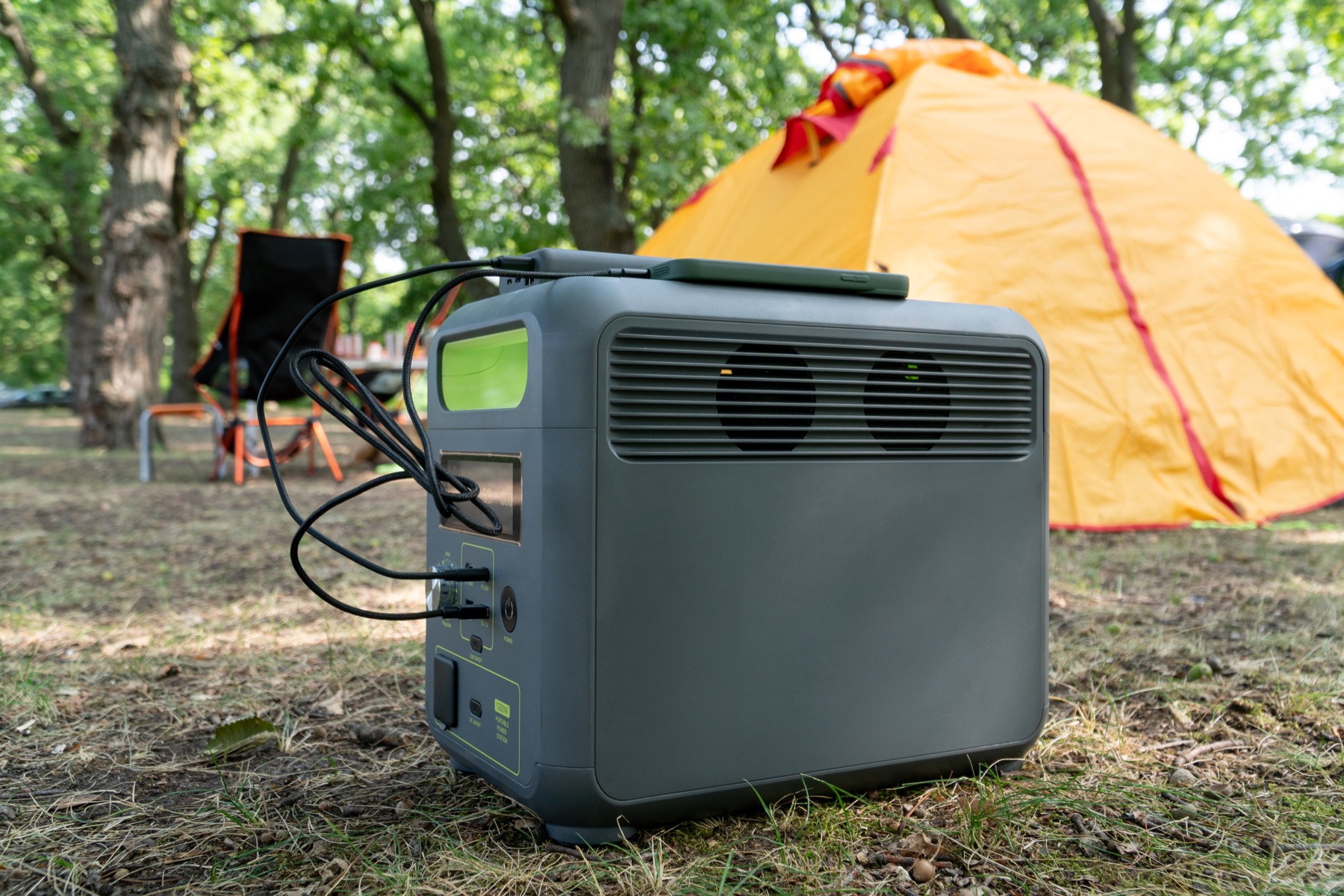
Check the complete power path.
A large enough battery can still be the wrong setup when its output, cable or regional version does not match.
- Measured load and simultaneous output
- Battery energy and usable reserve
- Exact voltage, frequency and complete cable path
- Dated model, package, warranty and seller evidence
Practical answers
Is this a recommendation to buy a locally available model?
No. The calculations and source-region catalogues help define the requirement. Exact Nigerian variants, stock, delivery and approved purchase links have separate checks.
Evidence and sources1 official sourceShow sources
Separate documented specifications from calculated matches.
Products shows source-region technical references. No Nigerian model has yet passed the exact-variant and photograph checks for calculated recommendations. A calculated match is not a compatibility guarantee or a purchase recommendation. Enter your actual device load and check its connections and instructions.