XT60 vs XT60i: which solar cable do you need?
Understand the physical and communication difference between XT60 and XT60i solar charging cables before connecting a panel to a power station.

EcoFlow identifies XT60i by its orange plug and communication function, while the older XT60 is yellow and has no communication. Use the cable specified for the exact station and input mode.
See why this fitsXT60 and XT60i at a glance
connector + electrical limits = complete pathUse the row closest to your situation. The explanation below shows what can move the result.
Comparison table
| Feature | XT60 | XT60i | What the buyer should do |
|---|---|---|---|
| Power connection | Two main contacts | Two main contacts | Match polarity and cable rating |
| Additional contact | No | Yes | Use the station-specified cable |
| EcoFlow cable colour | Yellow | Orange | Use colour only as a clue, not proof |
| Communication | No | Yes | Expect model-dependent input behavior |
| Third-party cable | Verify | Verify carefully | Check the manufacturer’s current restrictions |
Connector names describe only part of the path. Confirm voltage, current, polarity, cable rating and package contents against the exact regional model.
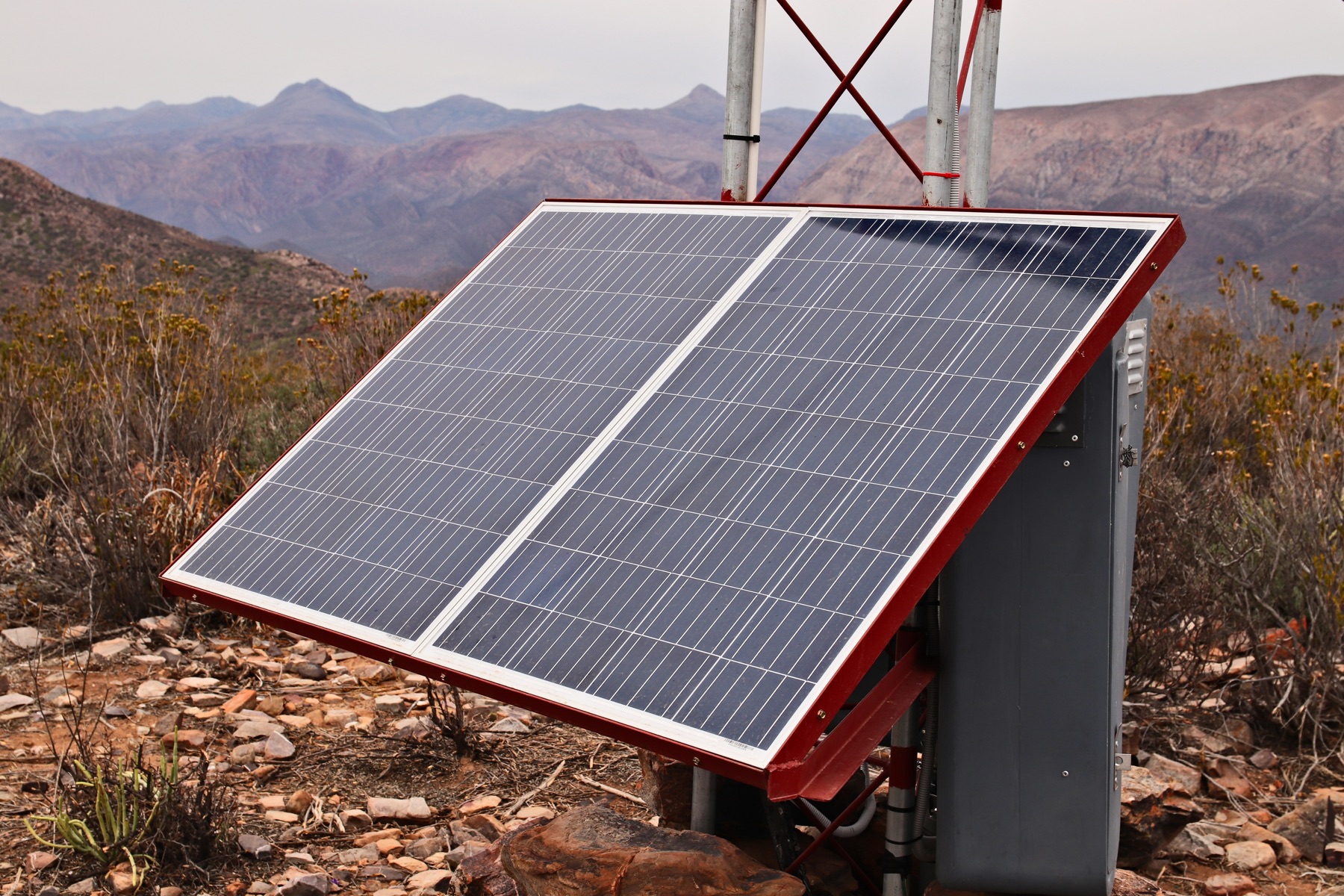
The plug is only the visible part of the connection.
Match the connector, voltage, current and polarity before a cable enters your shortlist.
Open Connection Finder →What does this mean
for your choice?
XT60i is more than a colour change
The extra contact can tell a compatible station which input path is connected. That is why a cable that physically powers the same pins can still lead to different charge-current behavior.
Work from the station manual
EcoFlow sells both cable types for different generations, while other power-station brands also use XT60-family inputs. The brand name on the panel does not decide the station-side lead—the exact station does.
Check the panel array separately
After choosing the connector, verify cold Voc, current and total panel watts. Neither XT60 nor XT60i protects a station from an array designed outside its documented electrical envelope.
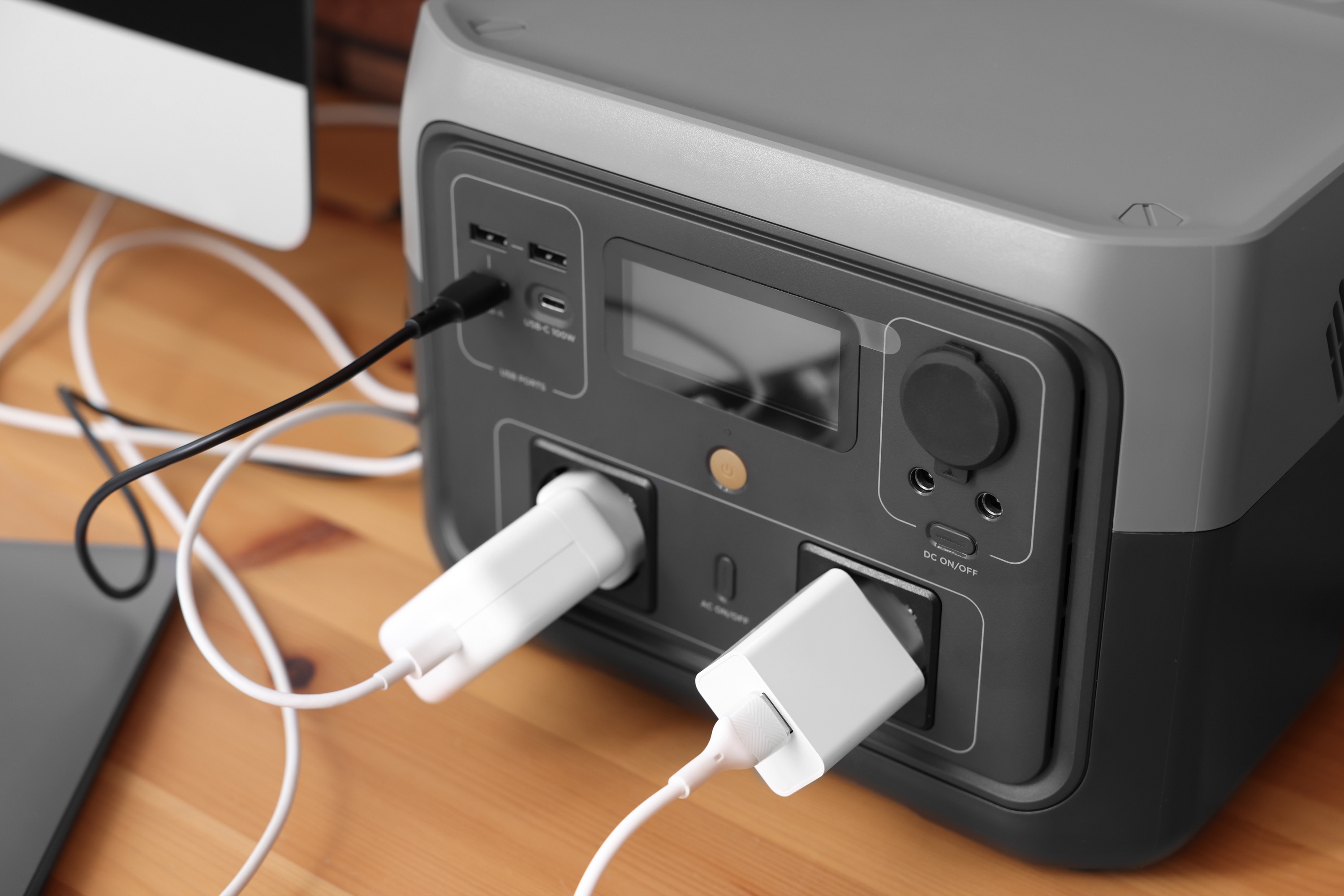
Check the complete power path.
A large enough battery can still be the wrong setup when its output, cable or regional version does not match.
- Exact station model
- Manual-specified XT60 or XT60i path
- Cable polarity
- Cable current rating
- Panel cold Voc
- Station input current and watt ceiling
- Third-party-cable restrictions
Practical answers
Can XT60 plug into an XT60i input?
The power portion may be physically compatible in some implementations, but that does not guarantee the same communication or permitted current. Follow the exact station documentation.
Why does an XT60i cable have an extra contact?
It provides a signal path used by compatible equipment to identify or manage the connected input. The resulting behavior depends on the station.
Is XT60i always better?
Not as a universal statement. It is the correct choice when the station is designed for that cable and its communication behavior; an older station may specify XT60 instead.
Evidence and sources2 official sourcesShow sources
Stations that illustrate these connector paths
These are relevant specification profiles, not automatic recommendations. Confirm energy, output protocol, cable behavior and the exact regional model before buying.