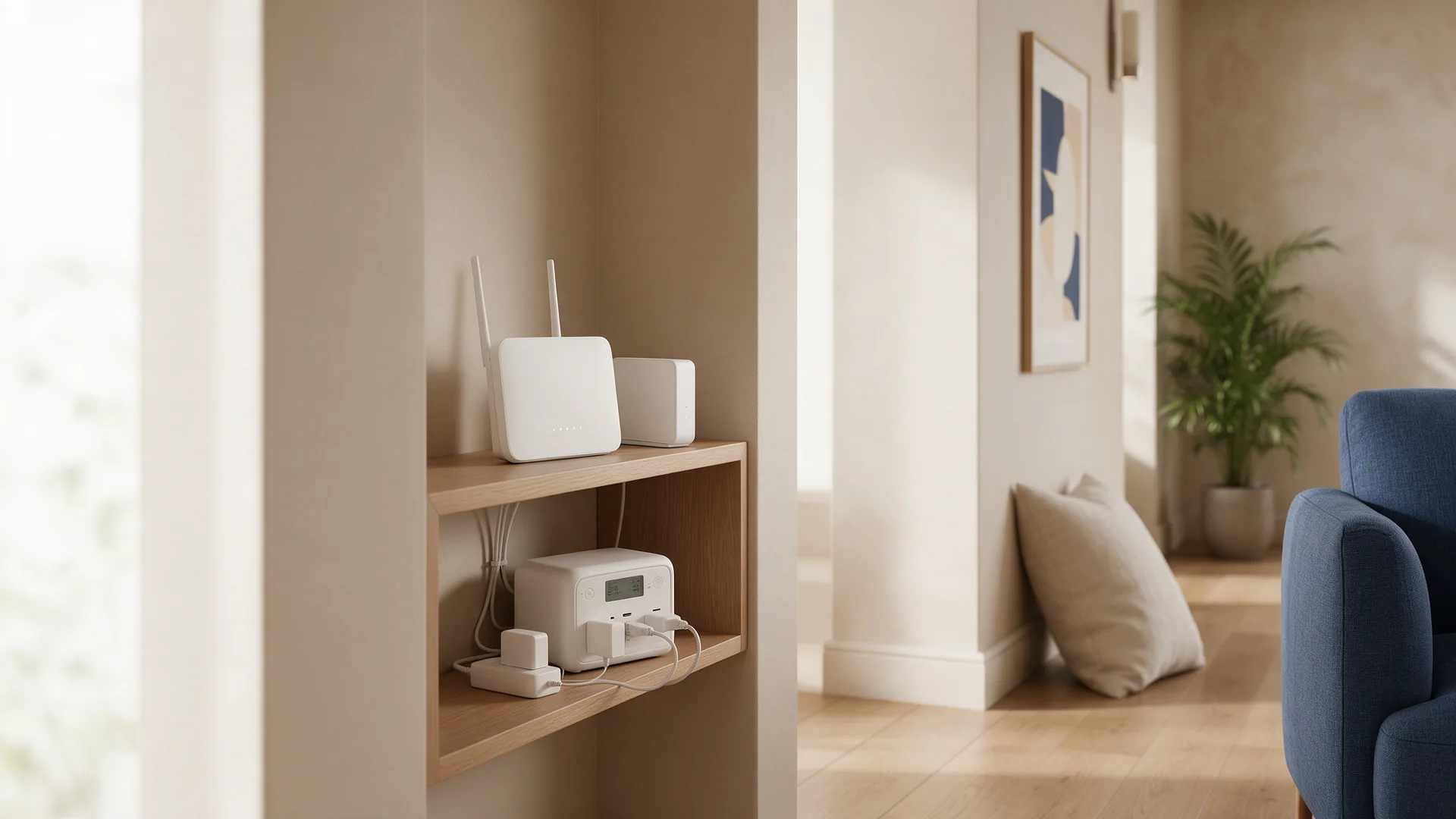
Count the boxes
Follow the cable from the wall socket. With fibre there is often a separate fibre box (ONT) before the router. With cable or DSL there may be a modem and a separate Wi-Fi router, plus a mesh point upstairs.
Every box with its own power adapter has to stay on. Only backing up the router means no connection if the fibre box goes dark.
Match the power
Most of these devices draw little power, so a modest power station or UPS goes a long way. Look at the adapter labels: they show the voltage and the maximum current.
Use the original adapters on the power station's socket, unless the manufacturer explicitly offers a suitable DC or USB cable. For a first estimate, the guide on routers and modems on a power station helps.
Would you rather the connection not drop for a second? Then check in the manual whether your power station or UPS switches over without interruption. Not every model does.
Do your own test
Choose a quiet moment, run everything from the power station and switch off the power strip at the wall. Does the connection come back? How long does the router take to restart? Are the fibre box lights green?
Note what you see. Then you know what to plug in when it counts, rather than trying it for the first time in the dark.
What you cannot control
Backup power at home keeps your own devices running. Whether the internet still works also depends on your provider's network in the street and beyond, and that is out of your hands.
A phone that plugs into the router stops when the router stops. In the UK, for example, the regulator Ofcom points out that digital landlines need mains power and do not work in a power cut without battery backup.
Mobile data is a useful second route, but not a guarantee either.
Sources
Technical claims checked against these sources on 28 September 2026.