What size power station for Starlink Mini and a laptop?
Size one battery for Starlink Mini and a laptop with a transparent combined-load range, eight-hour target and connection-path checks.
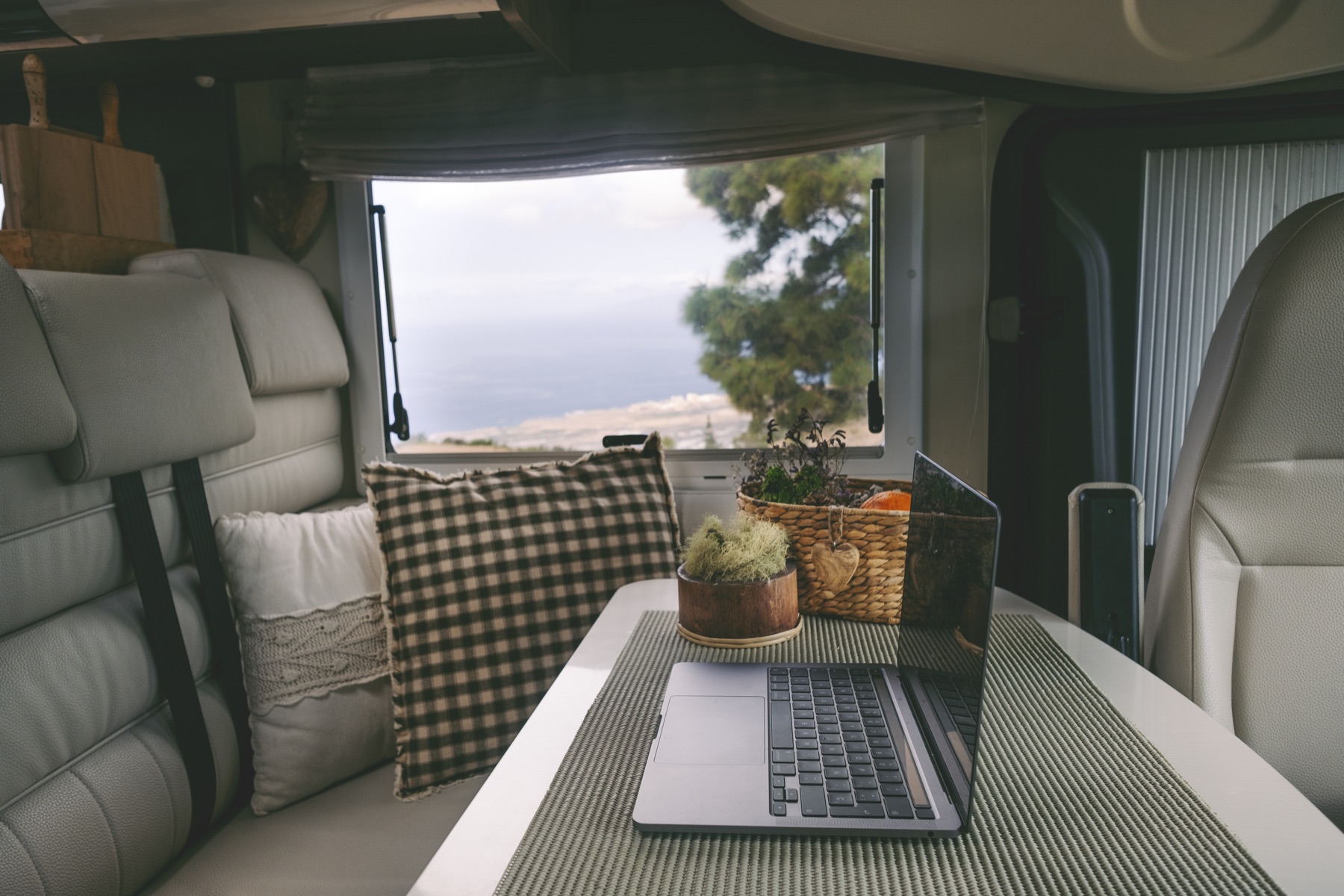
Our 70–105W combined example needs 560–840Wh at the devices, so the lower end fits with margin while the higher end may require a larger battery or mid-day solar.
See why this fitsCombined runtime by battery class
usable Wh ÷ average W = hoursUse the row closest to your situation. The explanation below shows what can move the result.
Comparison table
| Battery class | Usable energy at 80% | Runtime at 105W | Runtime at 70W |
|---|---|---|---|
| 500Wh | 400Wh | 3.8 hours | 5.7 hours |
| 768Wh | 614Wh | 5.8 hours | 8.8 hours |
| 1,024Wh | 819Wh | 7.8 hours | 11.7 hours |
| 2,048Wh | 1,638Wh | 15.6 hours | 23.4 hours |
Planning estimate only. Real runtime varies with temperature, load behavior, battery condition and conversion path.

Use your own watts, hours and reserve.
A realistic input gives you a useful range instead of a false promise.
Open Power Planner →What does this mean
for your choice?
Add loads before choosing the battery
Sizing Starlink and the laptop separately hides the simultaneous demand. Include the router path, display, phone and any charging you expect during the same work period.
Direct power paths can preserve energy
A compatible Starlink DC or USB-C path and a supported laptop USB-C PD output may avoid running the AC inverter. Voltage, current, cable rating, connector and polarity still need to match.
Solar should cover energy, not just watts
A panel rated above the live load can still fall behind during clouds, heat or poor angle. Compare expected daily harvest with the full daily watt-hour budget and retain battery reserve for weak-sun hours.
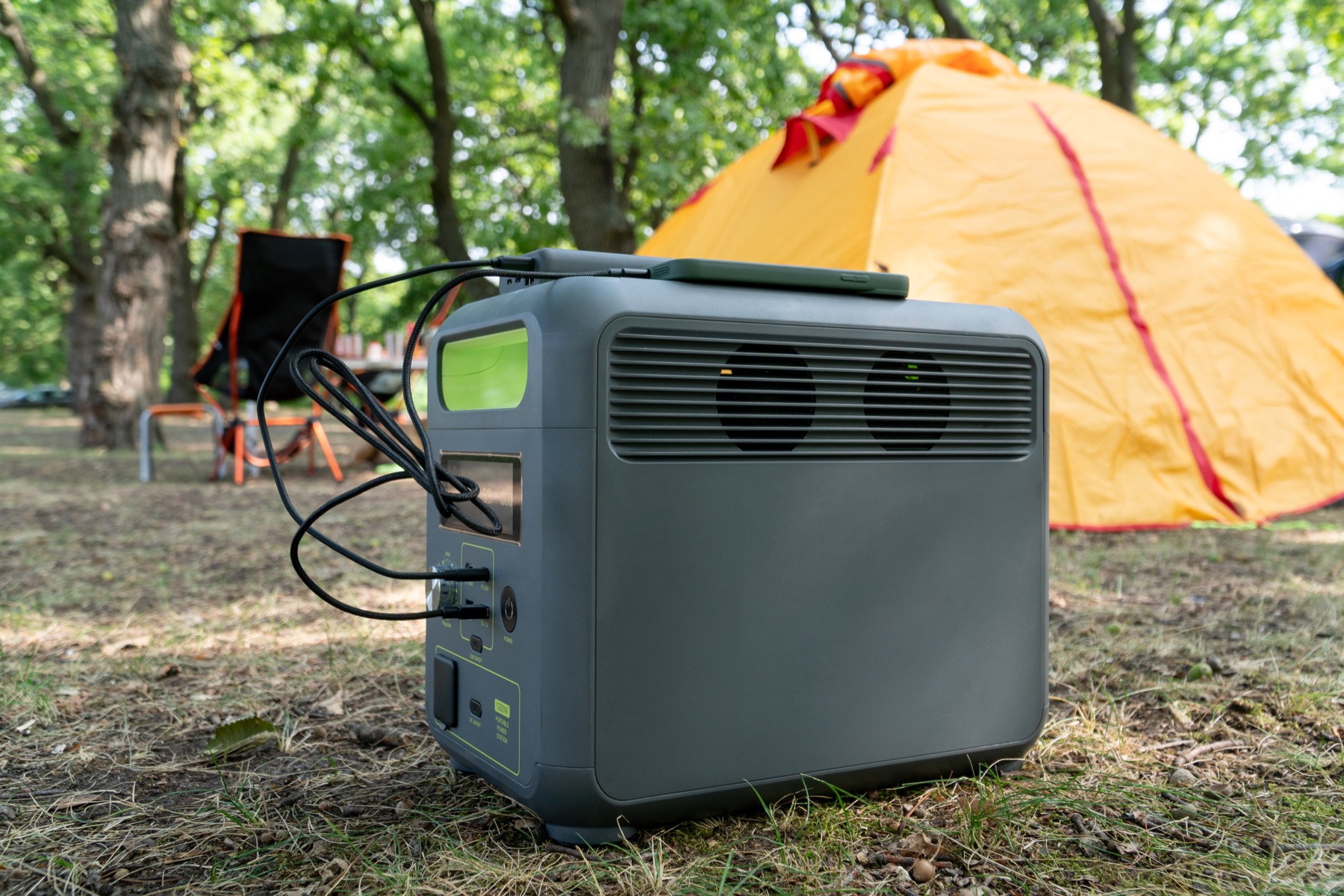
Check the complete power path.
A large enough battery can still be the wrong setup when its output, cable or regional version does not match.
- Measured or conservative laptop average draw
- Starlink Mini power path and cable requirements
- Combined USB-C and DC output limits
- Eight-hour energy plus weather reserve
- Solar-input voltage, current and connector compatibility
Practical answers
Will a 1,000Wh power station run Starlink Mini and a laptop all day?
It can cover roughly 7.6–11.4 hours in this 70–105W example at 80% usable energy. A demanding laptop, extra display or inverter use can move the result toward the shorter end.
Is a 500Wh station enough for remote work?
Not for a full eight-hour day in this combined example. It provides about 3.8–5.7 hours before allowing for additional accessories or poor conditions.
How much solar should I add?
Start from daily energy, not the device wattage alone. An eight-hour day in this example consumes 560–840Wh before extra reserve, and actual panel harvest will be below its nameplate rating.
Evidence and sources2 official sourcesShow sources
Stations worth checking against this calculation
These are relevant specification profiles, not automatic recommendations. Confirm energy, output protocol, cable behavior and the exact regional model before buying.